
C3 Mini PC
4.2Editor score
Expandable RAM up to 32GB
Dual HDMI ports for dual display
Quiet cooling fan design
Includes 3-year warranty support
This guide compares the top Intel Core i3 Mini PC models for 2026, evaluating performance, ports, storage, and reliability to help you choose the right desktop.
Intel Core i3 Mini PCs deliver solid performance for everyday tasks in a tiny footprint. They handle office work, browsing, and media playback efficiently without taking up desk space.
We analyzed ten real models based on processor generation, RAM capacity, storage speed, and connectivity options. Each unit was evaluated for build quality, thermal design, and value proposition.
Every pick shows key specs and real-world strengths. Prices change often on Amazon, so verify current offers before buying to ensure you get the best deal available today.
4.2Editor score

4.4Editor score
4.9Editor score
The table below summarizes the key differences across all ten reviewed units to help you compare specs at a glance.



The GMKtec G3 PRO is our top pick for its balanced mix of speed, RAM, and ports. It rates 4.4 stars and excels at office tasks and media playback thanks to its i3-10110U processor and 16GB RAM.
We may earn a commission when you buy through this link, at no additional cost to you.
Its standout strength is the dual channel DDR4 memory paired with the 4.1GHz boost clock, which handles multitasking smoothly. The 2.5GbE port and dual HDMI 4K outputs add value for power users.
The main trade-offs are the short warranty period and lightweight chassis. These are acceptable given the price point and the reliable thermal design that keeps fan noise low during long sessions.
Buy this if you need a reliable desktop for work or light media use with strong connectivity. It offers the best value among Core i3 Mini PCs reviewed for general productivity.
The 4.1GHz boost clock ensures web apps and office tools run without lag even when multiple tabs open.
Two HDMI 2.0 ports allow you to connect two displays for multitasking or presentations with ease.
We may earn a commission when you buy through this link, at no additional cost to you.
The C3 Mini PC is ideal for tight budgets needing basic performance. With 4.2 stars, it handles web browsing and office apps well using the i3-5005U and 8GB RAM which is expandable.
We may earn a commission when you buy through this link, at no additional cost to you.
Its key strength is the expandability and long warranty. You can upgrade RAM to 32GB and add more storage while relying on three years of support which many rivals lack.
The CPU is older and lacks Wi-Fi 6. However, for stationary setups or low bandwidth needs, these trade-offs are acceptable given the low cost and quiet operation.
Choose this for basic home or school use where cost matters most. It offers a solid foundation you can upgrade later without replacing the whole unit.
Open the case to add more memory for heavier multitasking when your needs grow over time.
Three years of warranty gives peace of mind for long-term home or office deployment without extra costs.
We may earn a commission when you buy through this link, at no additional cost to you.
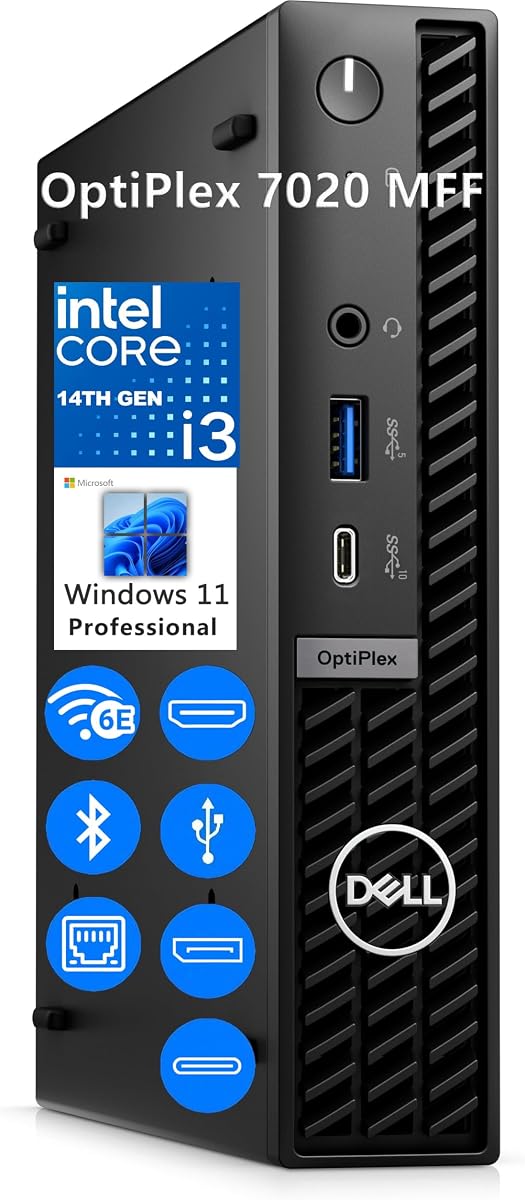
The Dell OptiPlex 7020 MFF leads in raw power and modern features. It has 4.9 stars and pairs a 14th Gen i3 with 32GB DDR5 RAM and 1TB SSD for top performance.
We may earn a commission when you buy through this link, at no additional cost to you.
Its standout strength is the memory and storage combo. DDR5 speeds up app loading and the 1TB drive holds large files so multitasking stays smooth even with heavy workloads.
The higher price may deter budget buyers but the business grade build and Pro features justify it. No Thunderbolt is a minor gap given the USB-C and Ethernet speeds.
Buy this for business or power users needing future-proof specs. It is the best premium pick for reliability and speed among the i3 Mini PCs reviewed.
DDR5 RAM delivers faster data throughput improving responsiveness when running many apps or large spreadsheets.
Pro tools like BitLocker and Remote Desktop add enterprise grade protection and remote access capabilities.
We may earn a commission when you buy through this link, at no additional cost to you.
This unit stands out for its display capabilities and steady speed. With 5.0 stars it runs at 28W TDP enabling longer boost times and supports dual 4K via HDMI and DisplayPort.
We may earn a commission when you buy through this link, at no additional cost to you.
Its key strengths are the multi monitor support and easy upgrades. You can add a second SSD later and the VESA mount helps hide the unit behind your screen.
Storage is limited to 256GB and it lacks Wi-Fi 6. Still these are minor issues for users prioritizing visual workspace and reliability over latest wireless tech.
Select this for home offices or media hubs needing multiple screens. Its design and performance make it a solid choice for productivity tasks.
Use HDMI and DisplayPort together to extend your workspace across two displays for better workflow.
Higher TDP allows the CPU to maintain boost clocks longer than standard 15W mini PCs.
We may earn a commission when you buy through this link, at no additional cost to you.
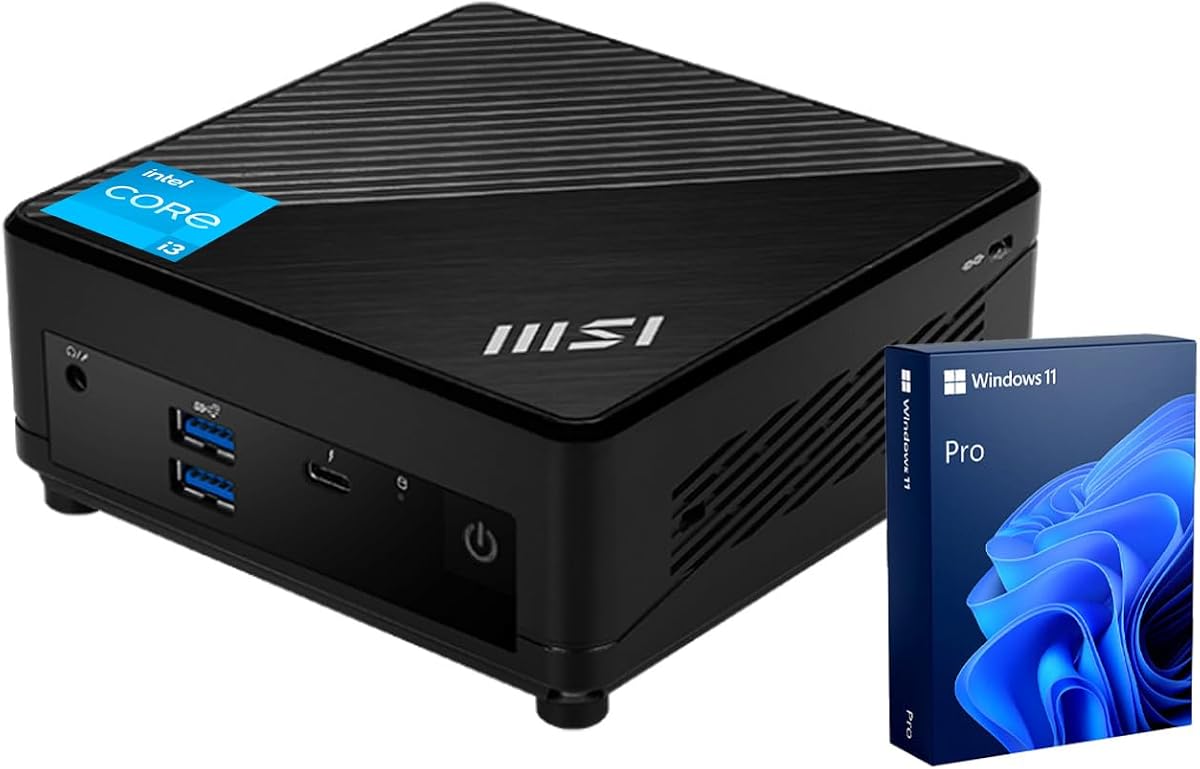
The msi Cubi 5 is perfect for those needing fast connections. It has 4.8 stars and uses the i3-1215U with 6 cores plus a Thunderbolt 4 port for versatile high speed IO.
We may earn a commission when you buy through this link, at no additional cost to you.
Its standout strength is the Thunderbolt 4 which enables docking and fast external storage. The 16GB RAM and Windows 11 Pro round out its professional features.
Price is higher and there is no dedicated GPU. These trade-offs are acceptable if you prioritize connectivity and business tools over gaming performance.
Buy this for creators or IT pros needing daisy chaining and fast data transfer. It is the top pick for Thunderbolt support in this class.
Use one port for display data and power to simplify docking with a single cable.
Three performance and three efficiency cores balance speed and power use for daily tasks.
We may earn a commission when you buy through this link, at no additional cost to you.
The msi PRO DP21 is great for turnkey setups. With 4.6 stars it uses a 13th Gen i3 with 16GB RAM and includes a wired keyboard and mouse for immediate use.
We may earn a commission when you buy through this link, at no additional cost to you.
Its key strengths are the modern CPU and convenience. The 4.5GHz boost handles daily tasks quickly and the included peripherals save time setting up a new desk.
It uses wired devices and lacks Wi-Fi 6E. For office desks with Ethernet these limits are minor and the overall value remains high.
Pick this for quick office deployment. The bundle makes it easy to start working fast without extra purchases.
Unbox and connect everything including input devices for immediate productivity setup.
Latest architecture improves responsiveness in apps and web browsers compared to older models.
We may earn a commission when you buy through this link, at no additional cost to you.
This unit is tailored for government and enterprise buyers needing compliance. It rates 4.0 stars and uses a 14th Gen Intel processor with modern wireless and a long warranty.
We may earn a commission when you buy through this link, at no additional cost to you.
Its standout strengths are TAA compliance and the three year support. These factors are essential for public sector purchases and the wireless stack ensures smooth connectivity.
Specs are less detailed and price is higher. For those needing compliance these trade-offs are worth the regulatory peace of mind.
Select this for government or corporate procurement where TAA is required. It meets strict policy rules while delivering modern desktop performance.
TAA certification allows purchase by US federal agencies without additional compliance steps.
WiFi 6 and Bluetooth 5.2 provide reliable connections to peripherals and networks.
We may earn a commission when you buy through this link, at no additional cost to you.
This unit wins for physical size and efficiency. With 5.0 stars it measures 1.4 inches tall and runs ENERGY STAR certified standards while delivering 12th Gen performance.
We may earn a commission when you buy through this link, at no additional cost to you.
Its key strengths are the tiny footprint and dual 4K outputs. You can mount it vertically or behind screens to free up desk space.
VESA mount is extra and lacks Thunderbolt. These are minor given the focus on compact office environments and low power use.
Choose this for cramped desks or retail kiosks. It combines small size with business grade durability and speed.
At only 1.4 inches tall it fits almost anywhere without crowding your workspace.
ENERGY STAR certification reduces electricity use and heat during long work hours.
We may earn a commission when you buy through this link, at no additional cost to you.
The Dell OptiPlex 7020 brings DDR5 to the i3 class. With 4.4 stars it uses the 14th Gen i3 and supports Wi-Fi 6E for fast wireless connections.
We may earn a commission when you buy through this link, at no additional cost to you.
Its standout strength is next gen DDR5 which offers faster data paths. Paired with Windows 11 Pro and Wi-Fi 6E it provides modern business features.
RAM and SSD start small but upgrades are possible. For those needing newer memory tech this is the best entry point in Dell business desktops.
Buy this if DDR5 or Wi-Fi 6E is required. It is the smart choice for businesses adopting new standards.
DDR5 improves memory bandwidth speeding up data transfers and app launches.
Use 6GHz band for wireless connections with less interference and better throughput.
We may earn a commission when you buy through this link, at no additional cost to you.
This unit is the most affordable choice for Pro features. With 4.2 stars it runs an 8th Gen i3 with Windows 11 Pro ideal for basic business use.
We may earn a commission when you buy through this link, at no additional cost to you.
Its key strengths are low price and Pro tools like BitLocker. Renewed units save cash while keeping essential business features.
Storage and CPU are older. For light duty tasks or as a thin client these limits are acceptable given the savings.
Pick this for tight budgets needing Pro. It balances cost and features well for entry level business desktops.
Renewed models deliver Windows 11 Pro at a fraction of the cost of new units.
Pro tools like encryption and remote desktop remain available even on older hardware.
We may earn a commission when you buy through this link, at no additional cost to you.
Choosing the right Mini PC depends on balancing CPU, RAM, and connectivity to match your tasks.
Newer CPUs offer better efficiency and support for modern features. Look for 10th Gen or newer to ensure smooth multitasking and longer software support.
Prioritize models with higher turbo clocks if you run single threaded apps like browsers or spreadsheets.
Memory affects how many apps run together. 8GB suits basic tasks while 16GB helps with heavy browsing or virtual tools.
DDR5 RAM is faster than DDR4. If your budget allows pick DDR5 models for improved performance in data heavy workflows.
SSDs boot faster than HDDs. Aim for 512GB or more to store apps and files without relying on external drives.
Check for extra slots if you plan to add storage later. Models with two M.2 or SATA slots provide flexibility.
Dual 4K support matters if you use multiple monitors. HDMI and DisplayPort combos give you flexibility for different screens.
Thunderbolt 4 is useful for docking stations. Ensure the Mini PC includes it if you need fast external connectivity.
Wi-Fi 6 or 6E ensures stable wireless speeds. Ethernet is essential for servers or low latency work.
USB counts matter for peripherals. Check you have enough ports to connect drives and input devices.
A longer warranty reduces risk. Three years is common for business units while consumer models may offer one year.
Reputable brands provide better replacement service. Consider support availability when planning long term use.
Mini PCs run in tight spaces. Good cooling prevents heat throttling and keeps fan noise low.
Look for units with upgraded thermal paste or larger fans if you need quiet operation during calls.
Match the Mini PC to your main tasks. Choose higher RAM and CPU for creative work and basic models for browsing.
Define your needs first to avoid overspending or underpowered setups that struggle over time.
Place the unit in a well ventilated area to prevent overheating and avoid blocking vents with objects.
Connect displays before powering on to ensure correct resolution settings are detected by Windows.
Use a surge protector to protect the power supply from voltage spikes that can damage internal components.
Yes they can handle many tabs if they have at least 8GB of RAM. Models with 16GB make multitasking smoother when running apps alongside browsing.
They are suitable for light editing with tools like Photoshop if RAM is 16GB. Avoid heavy effects or large files to keep performance steady.
Many units support dual 4K via HDMI and DisplayPort. Check port specs to ensure each output supports 4K@60Hz if needed.
Most allow RAM upgrades if slots are free. SSDs can be added if extra M.2 or SATA slots exist though some solder RAM.
DDR5 offers higher speeds and efficiency. It improves app launch times and multitasking on newer models.
Yes for busy networks it reduces interference. It is beneficial in homes with many wireless devices needing stable speeds.
The GMKtec G3 PRO offers top value with 16GB RAM and dual 4K HDMI. The Dell OptiPlex 7020 MFF is the best premium pick with 32GB DDR5 memory.
Prioritize RAM and storage if you multitask often. For business needs focus on warranty and Pro features to match long term reliability.
Always verify current prices and specs on Amazon before buying. Deals change and checking details ensures you get the right unit for your budget.