
California JOS GPU Support Bracket
4.7Editor score
All-aluminum build
Height adjustable fit
Secure tool-free setup
GPU sag is a common issue for builders using heavy graphics cards. Without support, your GPU can droop over time, damaging the PCIe slot. A quality bracket prevents this stress and keeps your system stable and safe.
We compared ten highly rated brackets based on build quality, adjustability, and stability. Each option offers unique features like magnets, screw adjustments, or fan mounts to fit different case sizes and needs.
Every pick shows key specs and pros to help you decide quickly. Remember that prices can change often on Amazon, so check current listings before buying to ensure you get the best value today.
4.7Editor score

4.8Editor score
4.7Editor score
As an Amazon Associate we earn from qualifying purchases.
This side-by-side table compares key specs across all ten options to help you find the right fit for your case and GPU size quickly.
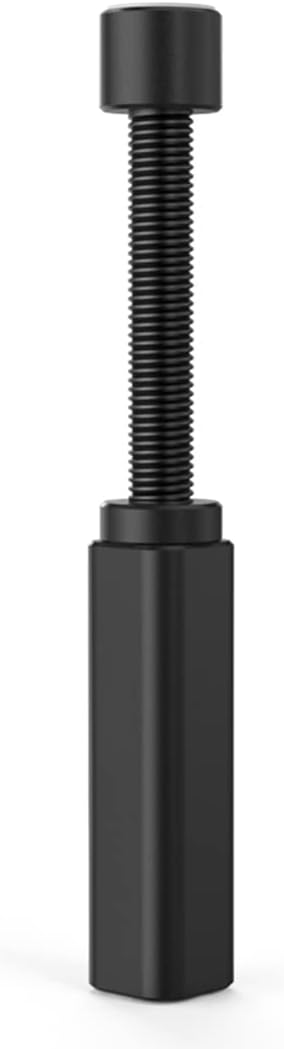
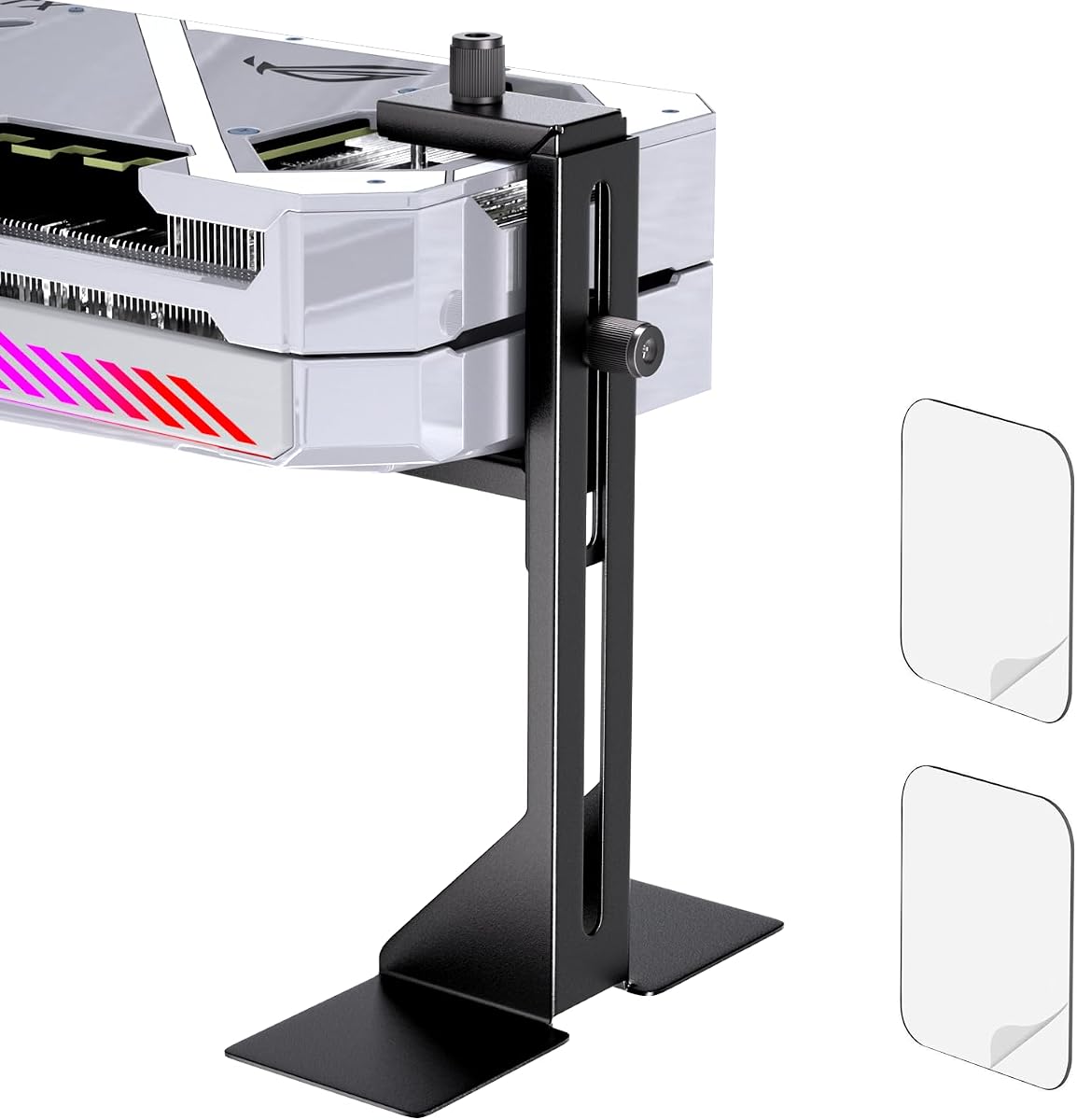


The acer GPU Support Bracket ranks highest with a 4.8 rating for its premium materials and reliable design. It features anodized aluminum and a strong magnet to keep your card steady and safe.
We may earn a commission when you buy through this link, at no additional cost to you.
Its standout strength is the precise 0.5mm height adjustment, ensuring a perfect fit for various cases. The large 14.7mm rod offers max load capacity, while silicone pads protect your GPU surface from scratches.
Trade-offs include a price higher than budget options and limited size choices. Yet these are acceptable given the durability and peace of mind it provides for long-term use and protection.
Buy this if you value quality and reliability over cost. The team also offers an 18+18 month warranty plus 18-hour support for any issues that may arise during your purchase period.
Aluminum resists rust and lasts longer than plastic which can degrade under heat and stress over years.
The strong magnet combined with silicone pads prevents slipping and protects against surface damage to your case or GPU.
We may earn a commission when you buy through this link, at no additional cost to you.
This bracket offers great value with a 4.7 rating and all-aluminum construction to prevent sag and damage. It provides strong support without breaking the bank for budget-conscious PC builders today.
We may earn a commission when you buy through this link, at no additional cost to you.
Its key strength is durability and universal fit across ATX and ITX cases. The package includes one large black stand securely packed for storage. It also offers 24/7 customer support for any questions or help.
Trade-offs involve less fine-tuned adjustment and a simpler look. These are acceptable trade-offs for the low price and reliable function that protects your expensive GPU from long-term drooping issues.
Buy this if you need a simple and effective solution at a low cost. It suits standard cases well and guarantees satisfaction with responsive support whenever you need assistance with setup.
All-aluminum construction ensures the bracket resists wear and provides superior strength compared to cheaper plastic alternatives.
Tool-free setup means you can install it quickly without tools. saving time during your PC build process easily.
We may earn a commission when you buy through this link, at no additional cost to you.
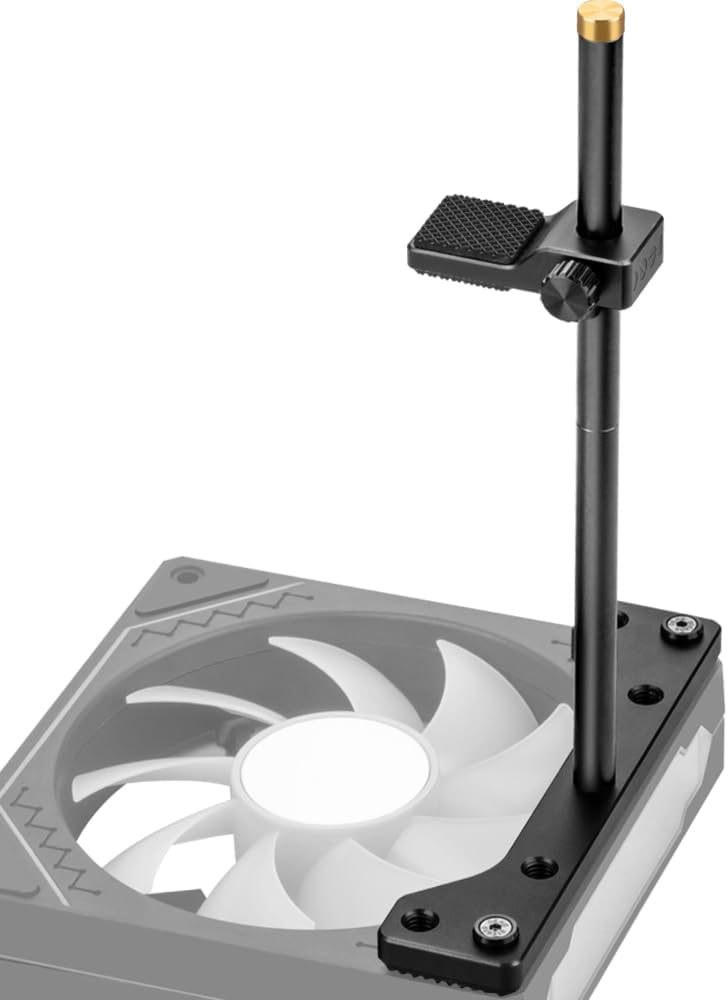
This bracket stands out with a 4.7 rating and a unique design that supports 12cm fans for improved airflow. It uses CNC aluminum to protect expensive heavy cards in style.
We may earn a commission when you buy through this link, at no additional cost to you.
Its key strength is the detachable two-part design allowing installation on top or bottom fans. The 0.63 to 6.3 inch height range fits most cases. Non-slip rubber pads prevent scratching and ensure stability during use.
Trade-offs include a higher price and the need to check fan compatibility before buying. These are acceptable for advanced builders wanting both support and airflow in a single premium solution.
Buy this if you want advanced features and maximum airflow support. It suits those with specific layouts and cases needing extra height flexibility beyond standard support options available.
Supporting 12cm fans helps improve airflow and cooling in your PC while also holding the GPU securely in place.
CNC aluminum processes ensure a high-quality fit and finish that lasts longer than cheaper alternatives in your case.
We may earn a commission when you buy through this link, at no additional cost to you.
This option delivers reliable support with 4.7 stars and full aluminum construction to prevent aging and corrosion over years. It suits users wanting durable metal that lasts long-term.
We may earn a commission when you buy through this link, at no additional cost to you.
Its strengths include screw adjustments for various chassis and a hidden magnet base for easy stable standing. The polished and sandblasted anode process ensures high-gloss durability and detail without rusting easily.
Trade-offs involve manual screw adjustments and a fixed size range of 74-120mm. These are acceptable for most standard builds needing strong support and a clean high-gloss look inside.
Buy this if you want a durable all-metal bracket with hidden magnetic stability. It works well in standard ATX and ITX chassis needing reliable support and polished aesthetic appeal.
All-aluminum avoids plastic aging and offers long-term replacement value for your PC build support needs.
The hidden magnet design helps with easy installation and stable standing in the chassis quickly and securely.
We may earn a commission when you buy through this link, at no additional cost to you.
This bracket supports heavy cards up to 75mm thickness with 4.6 stars and dual functionality for horizontal or vertical use. It provides robust support and extends GPU lifespan effectively.
We may earn a commission when you buy through this link, at no additional cost to you.
Its strengths include strong double-sided adhesive for secure attachment to the chassis. The wide compatibility with most graphics cards and adjustable range makes it a convenient versatile choice for many builds.
Trade-offs involve potential adhesive residue and less flexibility than screw-based designs. These are acceptable for quick setups needing flexible orientation and strong hold without tools or extra parts.
Buy this if you need flexible orientation and thick card support. It suits cases needing quick installation and clean removal if you ever want to switch or adjust your setup.
Horizontal and vertical use options let you choose the optimal angle for your specific setup and needs easily.
Strong adhesive ensures firm placement preventing wobbling while leaving minimal residue if cleaning is needed later.
We may earn a commission when you buy through this link, at no additional cost to you.
This unit uses hidden magnets and aluminum alloy to give stable 4.6 star support. It matches the first pick's specs with tool-free modules and an included level for alignment.
We may earn a commission when you buy through this link, at no additional cost to you.
Its strengths are the magnetic non-slip base and detailed CNC gloss finish. The tool-free module includes an anti-scratch pad so you can verify levelness easily after installing in your case.
Trade-offs include fixed size range and email-only support. These are acceptable for most needing quick magnetic setup and a polished look inside their chassis for aesthetic and function.
Buy this if you want magnetic stability with a premium finish. It suits ATX and ITX builds needing reliable support and a level checked with no extra tools required easily.
Magnetic bases ensure quick stable standing in the chassis without slipping and needing extra screws or clips.
An included level lets you check alignment after install ensuring the GPU sits straight and safely.
We may earn a commission when you buy through this link, at no additional cost to you.
This bracket offers a tall 4.53 to 8.27 inch range for large cases with 4.5 stars. All-aluminum construction ensures strong support and stability for heavy cards and longer use.
We may earn a commission when you buy through this link, at no additional cost to you.
Its strengths include a simple nut adjustment and hidden magnet base for quick tool-free use. A full refund guarantee adds peace of mind if you are not fully satisfied with the fit.
Trade-offs include a lower score and simpler look. These are acceptable for cases needing extra height without complex features or higher cost for standard PC builds.
Buy this if your case needs taller support. It suits users wanting straightforward adjustability and a reliable metal stand with a generous height range for big GPUs.
Extra height flexibility fits tall cases or large GPUs better than standard shorter brackets often do.
A satisfaction guarantee ensures you can get a refund or replacement without questions if not happy with it.
We may earn a commission when you buy through this link, at no additional cost to you.
This stand delivers 4.6 star support with a clean white finish for modern PCs. It features a strong magnetic base and universal fit for all major GPU brands easily.
We may earn a commission when you buy through this link, at no additional cost to you.
Its strengths are the minimalist look and quick 30-second setup without tools. The magnetic base prevents slipping and the universal card compatibility makes it easy to fit any build.
Trade-offs involve limited adjustment specifics and white color showing dust. These are acceptable for users wanting simple elegant looks and fast installation over complex feature sets.
Buy this if you want a clean minimalist look with fast install. It suits white or modern builds needing basic reliable support without fuss or tools during assembly.
Elegant white finishes complement modern builds and keep the focus on your clean PC aesthetics nicely.
A 30-second setup saves time and makes it easy for beginners to secure their card quickly.
We may earn a commission when you buy through this link, at no additional cost to you.
This unit offers solid aluminum support with soft rubber pads to protect GPU contact safely. It adjusts from 2.9 to 5 inches and installs instantly without any tools needed at all.
We may earn a commission when you buy through this link, at no additional cost to you.
Its strengths include the rubber pad protection and instant setup without hassle. A 100% satisfaction guarantee ensures you can return it if you don't like the stand support.
Trade-offs involve a fixed size range and basic design. These are acceptable for users wanting simple safe support and quick adjustments without worrying about complex features.
Buy this if you want simple safe support and fast installation. It suits those needing quick height adjustment and reliable protection without any tools or hassle at all.
Soft rubber pads prevent damage and ensure safe contact between the stand and your graphics card.
Adjust height then place under the card for instant support and stops sag without hassle or damage.
We may earn a commission when you buy through this link, at no additional cost to you.
This bracket offers solid 4.7 star support with premium aluminum and magnetic non-slip base for quick fit. It prevents sag effectively and does not detract from your computer aesthetics.
We may earn a commission when you buy through this link, at no additional cost to you.
Its strengths include exquisite workmanship and rubber pads adding grip and preventing slippage. Wide application fits ATX, ITX and M-ATX cases easily with simple twist height adjustment.
Trade-offs involve limited max height and basic adjustment. These are acceptable for users wanting unobtrusive reliable support across various chassis configurations with good grip.
Buy this if you want unobtrusive support and quick adjust. It suits most cases needing reliable magnetic base and rubber grip for safe GPU placement.
The unobtrusive design ensures the stand does not detract from your computer's overall look and appeal.
Rubber on ends adds grip to prevent slippage and ensure stability during regular use.
We may earn a commission when you buy through this link, at no additional cost to you.
Choosing the right bracket involves considering build material, adjustability, and installation style to match your case and GPU needs.
Aluminum is generally more durable and corrosion-resistant than plastic. It provides long-term stability and better heat resistance in tight case environments.
Look for aluminum alloy or CNC aluminum options for premium durability.
Adjustable brackets let you match your exact GPU clearance. Models with screw nuts or magnetic telescoping rods offer fine-tuned control over height.
Choose a range that fits your case minimum and maximum clearance height needs.
Stable bases prevent wobbling and slipping. Magnetic bases or wide non-slip feet add security and protect your case or floor surface.
Prioritize stands with magnets, rubber pads, or adhesive for secure placement.
Installation varies from tool-free magnetic snaps to screw adjustments. Choose a style that fits your build comfort and case constraints.
Tool-free setups save time and simplify adjustments later.
Finishes like polished, matte, or white affect how visible the stand is. Match it to your build's color scheme for a cleaner look.
Select a finish that complements your case and GPU design.
Heavy GPUs like 4090 or multi-fan models need robust supports. Ensure the bracket specifies load capacity or thickness limits like 75mm.
Verify the bracket can handle your GPU's weight and size safely.
A warranty and responsive support add peace of mind. Some brands offer 18-month or lifetime coverage for defects.
Look for clear support policies and warranties to protect your purchase.
Features like fan mounts or dual orientation options add value. These let your bracket serve multiple purposes beyond support.
Consider extra features if your case or cooling needs them.
Start by measuring your case clearance height. Adjust the bracket screw or rod until it fits snugly under the GPU edge without forcing it.
Place the bracket with base contacting the case floor or shroud. If using a magnet, ensure the metal surface is clean for best adhesion and stability.
Periodically check the bracket for loosening over time. Dust or vibrations can shift settings slightly, so retighten or reset as needed.
Even slight sag can strain the PCIe slot over years. A bracket prevents long-term wear and potential hardware damage before it becomes visible.
Most supports work in both orientations. Check product specs to confirm they support vertical installation if your case allows it.
Use an adhesive-backed bracket instead. Some models include double-sided tape for secure mounting on non-metal surfaces.
No. Each GPU requires its own support to avoid uneven weight distribution. Use separate brackets for each card in multi-GPU setups.
Most are tool-free using screws or magnets. You only need a screwdriver if your case requires screws to secure the bracket base.
No. External supports do not void GPU warranties as they do not modify the card. Always follow case manufacturer instructions when installing.
We reviewed ten reliable options with the acer bracket leading overall for quality and the California JOS model offering best value for budget builds.
Prioritize material quality, adjustability range, and stability based on your GPU weight and case design for the best protection and fit.
Remember to check current prices and availability before buying since listings change often on Amazon.