
KTRIO Large Gaming Mouse Pad
4.7Editor score
Anti-fray stitched edges
Water-resistant surface coating
Extended size for keyboard and mouse
A high-quality gaming pad for desks transforms your workstation into a professional arena. It provides the necessary surface for precise tracking and comfort during long sessions.
We evaluated ten top-rated options based on surface texture, base stability, and dimensions. Our goal is to help you find the perfect match for your specific gear.
Each pick highlights unique strengths like durability, speed, or aesthetic appeal. Please note that prices and availability change frequently, so verify details before purchasing.
4.7Editor score

4.7Editor score

4.7Editor score
As an Amazon Associate we earn from qualifying purchases.
This table provides a side-by-side look at the key specifications of each model. Compare dimensions, surface types, and special features to find the right fit for your desk.




The SteelSeries QcK XXL stands out as the definitive choice for serious gamers seeking reliability. With over ten million units sold, its reputation is built on consistent performance across millions of setups.
We may earn a commission when you buy through this link, at no additional cost to you.
Its micro-woven cloth surface optimizes tracking for both optical and laser sensors, ensuring pinpoint accuracy during intense sessions. The non-slip rubber base keeps the pad firmly in place, eliminating unwanted movement.
While the design is utilitarian, the functional benefits outweigh aesthetics. The sheer size ensures your peripherals never run out of room, which is crucial for low-DPI users who need wide sweeps.
If you want a pad that simply works flawlessly every time, this is the standard to beat. It is an investment in consistency that pays off during critical moments in your games.
The high thread count and smooth surface are tested to ensure your mouse sensor reads movement accurately without jitter or lag.
The XXL dimensions allow you to place your keyboard and mouse on one seamless surface, creating a clean and organized battlestation look.
We may earn a commission when you buy through this link, at no additional cost to you.
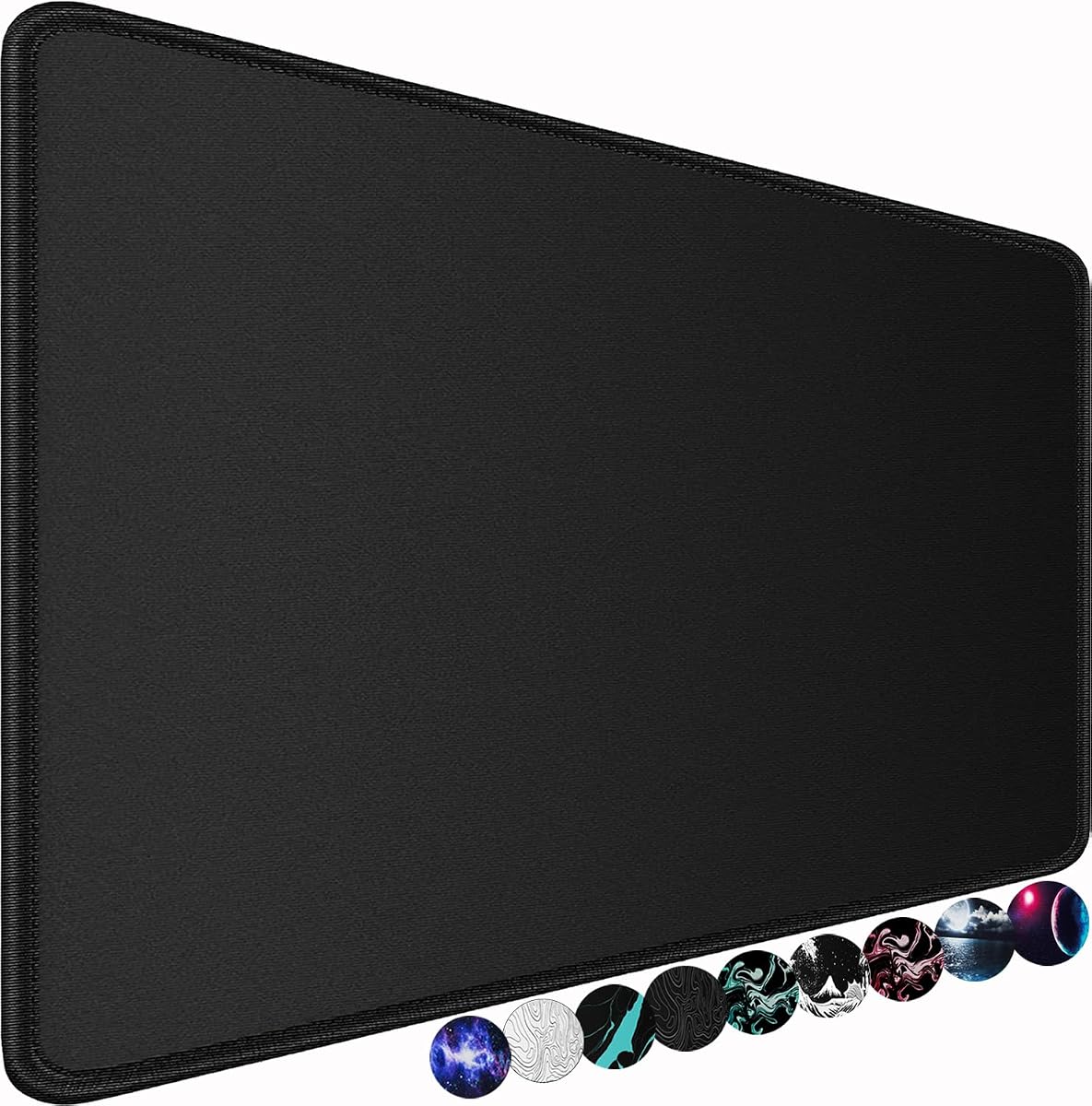
KTRIO offers a compelling alternative for budget-conscious gamers who refuse to compromise on size. This X-Large pad provides ample room for mechanical keyboards and mice without breaking the bank.
We may earn a commission when you buy through this link, at no additional cost to you.
The micro-weave cloth surface balances smooth glide with control, making it suitable for both fast-paced shooters and precision tasks. Reinforced stitching along the edges extends the lifespan significantly.
The spill-resistant coating is a practical touch that protects your desk from accidental beverage mishaps. Liquids bead up, allowing for easy cleanup with a damp cloth.
For those needing a reliable surface on a tight budget, this pad delivers. It covers the essentials effectively, ensuring your setup remains organized and functional during long hours.
The advanced textile design includes reinforced stitching that prevents peeling, keeping the pad looking new even after heavy daily use.
The soft and dense natural rubber backing keeps the pad uniformly flat and securely in place, even on imperfect desk surfaces.
We may earn a commission when you buy through this link, at no additional cost to you.
Razer elevates the standard with the Gigantus V2, offering a surface engineered for pixel-precise accuracy. It is designed to work seamlessly with modern gaming sensors for optimal performance.
We may earn a commission when you buy through this link, at no additional cost to you.
The micro-weave surface allows the mouse to glide with ease, supporting both fast swipes and controlled movements. This balance is critical for maintaining control during chaotic in-game scenarios.
The high-density rubber foam base ensures the pad remains uniformly flat, even over uneven desk surfaces. This stability is vital for consistent tracking and preventing bumps or dips.
If you prioritize technical precision and brand reliability, this pad is worth the investment. It delivers a premium experience that justifies the cost for serious competitors.
Calibration with all mouse sensors reduces the need to lift your mouse, ensuring total tracking responsiveness during high-leverage moments.
The sturdy foundation keeps the mat flat over imperfect surfaces, providing a consistent platform for your mouse to move smoothly.
We may earn a commission when you buy through this link, at no additional cost to you.
This large gaming pad offers a spacious 31.5×15.7 inch surface that keeps your desk uncluttered. It is designed to provide a clean area for both your keyboard and mouse.
We may earn a commission when you buy through this link, at no additional cost to you.
The Lycra surface feels comfortable under your wrist and provides a smooth tracking experience. It maintains excellent speed and control, which is essential for both gaming and work tasks.
Water-resistant properties prevent damage from spills, making it practical for long use. The thick and soft material also helps muffle noise when typing heavily on the pad.
It is a solid choice for those wanting a bit more width for keyboard placement. The comfortable material and durability features make it a reliable daily driver.
The thick and soft Lycra material provides a cushioned surface that reduces wrist strain during extended typing or gaming sessions.
Professional edge stitching protects the pad from wear and deformation, ensuring it retains its shape over time.
We may earn a commission when you buy through this link, at no additional cost to you.
Logitech G840 XL is designed specifically to optimize the performance of Logitech G mice. It features a consistent surface texture that ensures optimal imagery for sensor translation.
We may earn a commission when you buy through this link, at no additional cost to you.
The moderate surface friction provides the right resistance for low DPI gaming, helping you start and stop rapid movements with precision. The soft material enhances comfort during long use.
Its large size ensures consistent height across the desktop, allowing for flexible keyboard positioning. The non-slip rubber base prevents bunching during intense gaming sessions.
If you use Logitech peripherals, this pad ensures the best synergy. It is a straightforward choice that prioritizes function and sensor accuracy above all else.
The texture is close to the optimal testing environment, giving players access to the fullest sensor accuracy and precision.
The consistent height lets you position your keyboard however you like without it getting in the way of your mouse.
We may earn a commission when you buy through this link, at no additional cost to you.
This extended pad stands out with its high elasticity natural rubber and waterproof coating. It is built to handle heavy use while keeping your desk safe from accidents.
We may earn a commission when you buy through this link, at no additional cost to you.
The 3mm thickness provides a comfortable cushion that adapts to all surfaces. The nylon stitched edges ensure the pad lasts longer and resists deformation over time.
Waterproof properties mean you can clean spills easily without worrying about damage. It offers a smooth tracking surface optimized for fast moving and control.
For those who need a robust, thick surface, this pad is ideal. Its safety and durability features make it a great choice for daily use or gifting.
Made of high elasticity natural rubber, this mouse mat is non-toxic and has no hazardous substances, safe for use.
Effectively prevent damage from spilled drinks or other accidents. Liquid forms drops and slides down for easy cleaning.
We may earn a commission when you buy through this link, at no additional cost to you.
DIGSOM adds style with a white topographic line on a black background. The minimal pattern ensures vibrant color in long-term use, making it a great decor for your desk.
We may earn a commission when you buy through this link, at no additional cost to you.
The 3mm thick soft fabric provides a comfortable surface for mouse movement. The spill-proof coating prevents scratches, stains, and scuffs from daily wear.
Smooth cloth cover lets the mouse glide smoothly, offering accurate control for work or gaming. The non-slip rubber bottom provides strong grips for stable control.
If you want a mat that looks as good as it performs, this is a strong option. It combines functional stability with a modern aesthetic.
Uses superior printing technology to ensure vibrant color in a long times use, besides, this gaming pad is a great decor.
The non-slip rubber bottom provides strong grips, providing a stable control while you move your mouse across the surface.
We may earn a commission when you buy through this link, at no additional cost to you.
The Kanagawa pad stands out with its vivid Japanese Sea Wave pattern. Advanced printing technology ensures the design remains clear and bright even after multiple washes.
We may earn a commission when you buy through this link, at no additional cost to you.
The surface is extremely smooth, allowing you to enjoy a silky-smooth experience when sliding your mouse. It enhances precise control and speed for work or gaming.
Durable non-slip rubber base prevents sliding during intense use. The precision stitching keeps the edges locked, making the pad durable and beautiful.
If you want a desktop decoration that also functions perfectly, this pad is ideal. It brings art to your setup without compromising on practicality.
The beautiful and vivid pattern is clearly printed on the gaming mousepad, even after many times of washing can keep the pattern clear and bright.
The mousepad gaming are extremely easy to clean, just wipe clean with a paper towel or wet wipes, keeping patterns nice and beautiful.
We may earn a commission when you buy through this link, at no additional cost to you.
This RGB mousepad brings dynamic lighting to your desk with 14 modes. It includes a power-off memory function to remember your preferred setting for consistency.
We may earn a commission when you buy through this link, at no additional cost to you.
The smooth microfiber material ensures precise mouse movement. It also features waterproof properties, protecting against spilled beverages for easy maintenance.
Control is simple with a button on the pad. Press once to change color, twice for brightness, or hold to turn on or off.
If you love a customized and atmospheric setup, this is a great choice. It adds visual flair while maintaining a smooth and stable surface.
This gaming mouse pad features 14 lighting modes including dynamic breathing and static modes to make your gaming atmosphere warmer and more atmospheric.
This extended mouse pad has a button to control the lighting. It is powered by USB, plug and play, no driver required.
We may earn a commission when you buy through this link, at no additional cost to you.
The LifeTrim Huge mouse pad offers a massive 46×17 inch surface. It provides ample room for precise mouse movements and keyboard placement without any boundary limits.
We may earn a commission when you buy through this link, at no additional cost to you.
At 5mm thick, it offers a comfortable and cushioned surface for extended gaming sessions. The big size reduces wrist fatigue significantly during long use.
The non-slip rubber base ensures the pad stays firmly in place on your desk. This prevents unwanted movement during intense gaming sessions effectively.
If you have a large desk and want ultimate space, this is the best choice. It is the ultimate giant desk pad for those who need room to move.
With a thickness of 5mm, this large mouse pad gaming offers a comfortable and cushioned surface for extended gaming sessions, reducing wrist fatigue.
The black gaming mouse pad large, offers an expansive surface area measuring 46 x 17 inches. The extended desk mouse pad extra large provides ample room.
We may earn a commission when you buy through this link, at no additional cost to you.
Choosing the right gaming pad requires evaluating dimensions, material, and stability features to match your specific needs.
The physical dimensions of the pad determine how much space it occupies on your desk. XXL sizes accommodate both keyboard and mouse while compact mats prioritize portability.
Ensure the width fits your mouse movement range without running into monitor legs or desk edges during use.
Surface texture affects how fast or controlled your mouse movements are. Micro-woven cloth offers smooth gliding while stitched cloth provides more stopping power.
Match the material to your playstyle, whether you need speed for swipes or friction for precision aiming.
A stable rubber base prevents the pad from sliding across the desk during intense use. Look for dense rubber with anti-slip properties for consistency.
Without a secure base, your aim can be disrupted by unwanted movement of the pad itself.
Durability features like stitched edges and waterproof coatings extend the life of the pad. These protect against fraying and spills from beverages or sweat.
Invest in a model with reinforced edges to avoid peeling and wear over long-term daily use.
Thickness impacts how much cushioning you have for your wrist and elbow. Thicker pads offer more comfort but may raise your hand height relative to the desk.
Consider the ergonomic impact and ensure the height works well with your existing chair and monitor setup.
The look of the pad contributes to your overall setup theme. Options range from plain black to artistic prints or RGB lighting.
Choose a design that complements your desk and peripherals without distracting from the game environment.
Ensure the surface works with your mouse sensor type. Some materials may interfere with high-sensitivity optical sensors if the weave is too open.
Test the surface with your specific mouse model to confirm tracking accuracy and speed consistency.
Place the pad on a clean, flat surface and ensure the non-slip base adheres properly to the desk for stability.
Wipe the surface regularly with a damp cloth to remove dust and oils that can reduce tracking precision.
If the pad has a waterproof coating, allow it to air dry completely before using it again after cleaning.
Large pads provide more room for low-DPI settings and prevent the mouse from sliding off the desk. They also allow your keyboard to sit on the same surface for a cleaner setup.
Yes, micro-woven surfaces optimize tracking for both optical and laser sensors. A consistent texture ensures the sensor can translate movement into cursor movement accurately.
Use a damp cloth to wipe the surface and avoid soaking it. For pads with waterproof coating, wipe spills immediately and let air dry.
Stitched edges prevent fraying and peeling over time. They also protect the internal foam from tearing, extending the pad's lifespan.
Most large pads are designed to fit under keyboards. Ensure the dimensions match your specific keyboard size for a seamless look.
Yes, gaming pads provide smooth surfaces for precise mouse tracking. They are excellent for design work, CAD, and general office tasks.
We recommend the SteelSeries QcK XXL for its industry-leading performance and durability across all use cases.
Prioritize size and stability features that match your current keyboard and mouse setup for the best experience.
Verify current prices and availability before purchasing to ensure you get the best deal available today.