
Noctua NF-P12 redux-1700 PWM
4.8Editor score
High static pressure design
150000 hour MTTF
Silent PWM operation
This expert guide compares the top exhaust fan for PC options to help you choose the right cooling solution for your computer case or gaming rig.
Maintaining optimal temperatures inside your computer case is crucial for hardware longevity and consistent performance during intensive tasks. An effective exhaust fan for PC ensures that hot air is expelled efficiently, preventing thermal throttling and system instability.
We evaluated ten high-quality cooling fans based on airflow capacity, noise levels, bearing lifespan, and compatibility with standard PC cases. Our analysis focuses on how well each model performs as an exhaust solution under realistic operating conditions and varied workloads.
Each selection below highlights key strengths and ideal use cases to help you match a fan to your specific cooling requirements. Please note that product availability and pricing may fluctuate over time, so always verify current details before purchasing your new cooling component.
4.8Editor score

4.7Editor score

4.7Editor score
This side-by-side comparison highlights the core specifications and standout features of each exhaust fan option to help you quickly identify the model that best fits your PC cooling needs and budget constraints.




This 120mm variable speed axial muffin PC fan stands out as a versatile option for users seeking direct AC power and flexible control. With a rating of 4.4 stars, it offers reliable performance across various devices including PCs, servers, and routers.
We may earn a commission when you buy through this link, at no additional cost to you.
The standout feature is its ability to plug directly into an AC outlet via a dedicated controller that supports 110V to 220V input. Dual-ball bearings provide a lifespan of 50,000 hours ensuring durability even during extended operations without needing a dedicated power supply connection.
While the airflow reaches 95.8 CFM the noise level can climb close to 41 dB at maximum speeds which might be noticeable in quiet environments. Users should also note that it lacks PWM connectivity for motherboard integration limiting automatic temperature based speed regulation capabilities.
Ideal for cases needing extra ventilation or DIY cooling projects this fan provides powerful exhaust capability without complex wiring. It is a strong choice for enthusiasts who prioritize direct power access and adjustability over silent operation or integrated system control features.
By operating directly from an AC outlet this fan eliminates the need for internal power supply connections making it easy to install in server cabinets or DIY cases.
The dual-ball bearing design significantly extends the operational life of the fan to 50,000 hours ensuring consistent performance over long periods without degradation.
We may earn a commission when you buy through this link, at no additional cost to you.
The Noctua NF-P12 redux-1700 PWM is widely recognized as a premium exhaust fan for PC setups requiring top-tier noise and performance balance. Boasting a 4.8 rating it delivers exceptional cooling with minimal acoustic disturbance.
We may earn a commission when you buy through this link, at no additional cost to you.
Its pressure-optimized blade design creates high static pressure ideal for pushing air through dense radiators or heatsinks while maintaining a noise level of just 25.1 dB. The redux edition offers Noctua quality at a more accessible price without sacrificing the 150000 hour MTTF rating.
Users may find the price slightly higher than budget options and it lacks RGB lighting for aesthetic customization which some gaming rigs prefer. However those who prioritize acoustic comfort and reliable thermal performance over flashy design will find this compromise entirely acceptable.
This fan is best suited for high-end builds where silence and efficiency are paramount. It excels as an exhaust fan on the back panel or on radiators ensuring steady airflow and long-term reliability without generating disruptive noise during daily use.
The blades are engineered to maximize static pressure allowing the fan to push air effectively through restrictive cooling components while maintaining low operational noise.
With an MTTF of over 150000 hours this fan is built to last for many years ensuring stable cooling performance throughout its lifespan.
We may earn a commission when you buy through this link, at no additional cost to you.
The Thermalright TL-C12C-S X3 offers exceptional value as a three-pack of 120mm fans ideal for building a complete airflow solution on a budget. With a 4.7 rating it delivers silent performance and modern ARGB lighting without breaking the bank.
We may earn a commission when you buy through this link, at no additional cost to you.
Each fan features S-FDB bearings to minimize vibration and noise while providing up to 1550 RPM for strong cooling capacity. The ARGB lighting adds visual appeal with up to 17 modes synchronized via motherboard headers making it perfect for aesthetic focused builds.
Some users might find the RGB lighting less advanced than premium alternatives and the cable length requires careful routing in larger cases. Despite these minor limitations the cost per fan remains highly competitive making it one of the most affordable quality options available.
This pack is ideal for gamers or system builders looking to outfit multiple case positions without overspending. The combination of silent operation PWM control and attractive lighting ensures efficient thermal management and an impressive visual experience.
The S-FDB bearings reduce noise and vibration significantly ensuring smoother operation and a longer service life even under continuous use.
Buying a pack of three fans lowers the overall cost per unit allowing users to create balanced intake and exhaust setups economically.
We may earn a commission when you buy through this link, at no additional cost to you.
The be quiet! Pure Wings 3 120mm fan is engineered for users who prioritize silence without sacrificing airflow performance. With a strong 4.7 rating it delivers maximum airflow while maintaining extremely low acoustic levels through optimized design.
We may earn a commission when you buy through this link, at no additional cost to you.
Seven airflow-optimized fan blades reduce noise while ensuring performance under demanding configurations. The rifle bearing provides a long operating life and the German engineering standard ensures consistent quality and reliability in every unit produced.
Users seeking extensive lighting customization may find this model lacks RGB options and the mounting system is standard which limits advanced installation styles. However these trade-offs are acceptable for those focused purely on cooling efficiency and acoustic comfort.
This fan is best suited for quiet office PCs or media centers where noise intrusion must be minimized. Its robust construction and silent PWM operation make it a dependable choice for long-term reliable cooling performance.
The frame design maximizes airflow efficiency while minimizing turbulence and noise allowing the fan to perform quietly even at higher speeds.
Built to strict German engineering standards this fan offers reliable performance and durability that stands out in competitive market options.
We may earn a commission when you buy through this link, at no additional cost to you.
The DARKROCK 3-Pack 120mm fans offer a budget-friendly solution with excellent noise control and reliable cooling performance. Rated at 4.6 stars these fans are designed to keep PC cases cool without adding excessive noise to your environment.
We may earn a commission when you buy through this link, at no additional cost to you.
Equipped with hydraulic bearings and nine fan blades each unit delivers stable rotation and reduced noise down to 32.1 dBA. Soft silicone cushions absorb vibration at high speeds ensuring the case remains in a quiet working environment even under load.
These fans are not suitable for extreme overclocking scenarios due to their moderate speed limits and basic aesthetics. However for general daily computing and moderate gaming their low cost and solid performance make them a practical choice.
Ideal for budget builds or office workstations these fans provide efficient cooling and easy installation. The heat resistant PBT material and durable construction ensure they remain reliable for long-term use in various PC cases.
Hydraulic bearings reduce friction and noise while extending service life to approximately 30,000 hours providing consistent cooling performance.
Four soft silicone cushions on each fan absorb vibrations ensuring minimal noise transmission to the PC case during high-speed operation.
We may earn a commission when you buy through this link, at no additional cost to you.
The X1 USB Cooling Fan is an exceptional portable option for users needing quick targeted cooling without permanent installation. With a rating of 4.4 stars it operates at an incredibly low 18dB noise level making it virtually silent in home or office settings.
We may earn a commission when you buy through this link, at no additional cost to you.
Its 120mm fan delivers 55.8 CFM airflow and drops device temperatures quickly. The built-in cable allows easy connection to USB ports on laptops power banks or chargers providing flexibility for use with routers or consoles.
Since this fan is not designed for internal case mounting it works best as an external vent fan. Users needing internal case exhaust fans should look for traditional PWM models instead of this specific portable unit.
Best suited for mini PCs consoles or networking equipment this fan provides efficient heat dissipation without noise interference. Its durable ABS construction and lightweight design ensure it remains effective and easy to move as needed.
Operating at just 18dB the fan is quieter than a whisper ensuring no noise interference during video streaming or gaming sessions.
Powered by a standard USB port this fan requires no AC outlet making it ideal for on-the-go or temporary cooling setups.
We may earn a commission when you buy through this link, at no additional cost to you.
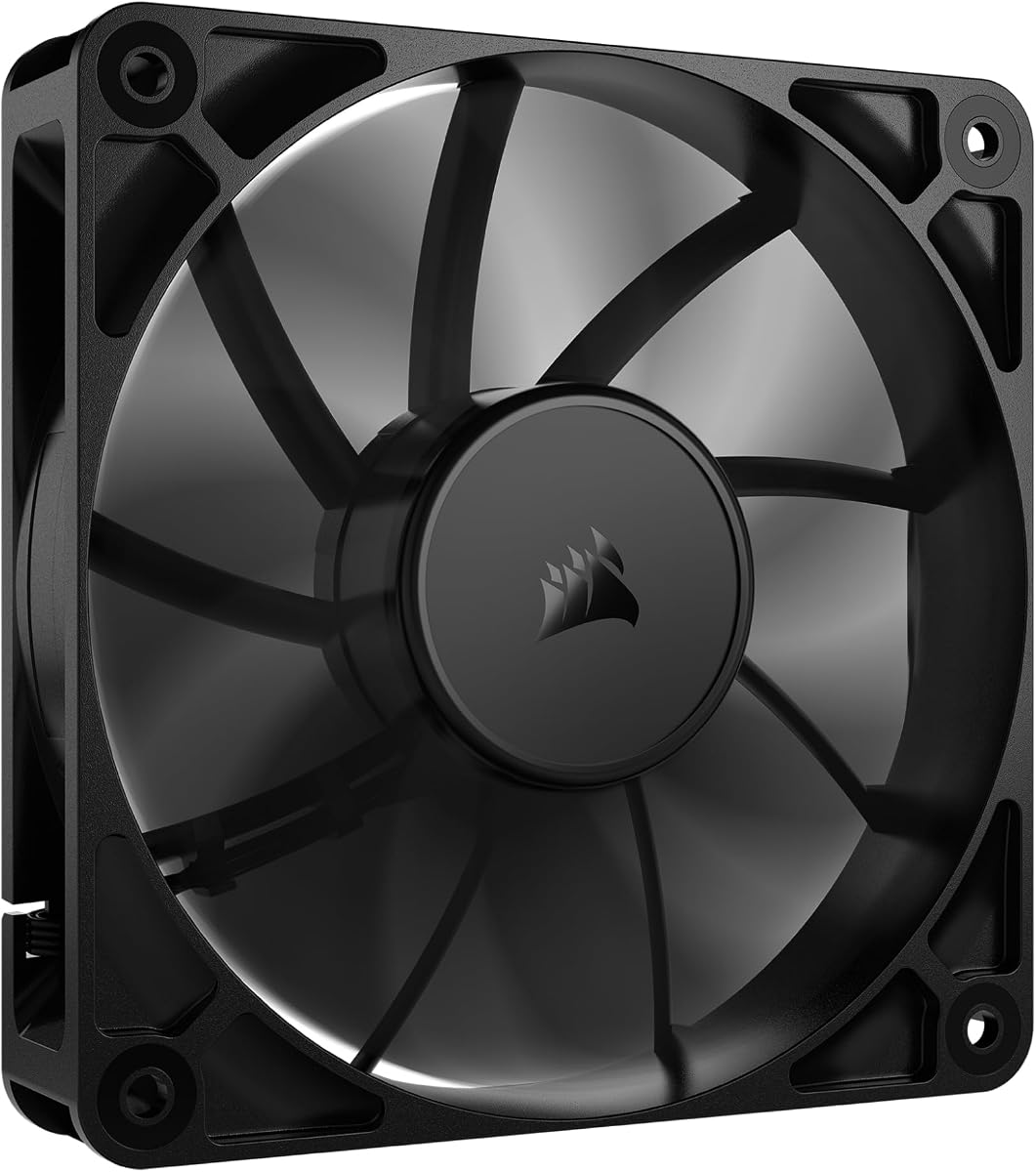
The CORSAIR RS120 120mm PWM fan introduces streamlined connection options ideal for complex case setups requiring multiple fans. With a rating of 4.6 stars it balances low noise with high airflow for effective thermal management in PC builds.
We may earn a commission when you buy through this link, at no additional cost to you.
The daisy-chain connection allows multiple fans to be controlled via a single 4-pin PWM connector reducing cable clutter. CORSAIR AirGuide Technology directs airflow precisely to hot components and the Magnetic Dome bearing ensures quiet operation and long life.
Users seeking colorful LED effects may miss RGB lighting and the price per fan is higher than basic budget models. However the installation simplicity and performance efficiency justify the investment for those valuing clean cable management and reliability.
This fan is perfect for liquid cooling radiators or high-density exhaust positions. Its high static pressure pushes air effectively through obstructions ensuring consistent cooling even in cases with dense airflow obstructions.
Multiple RS120 fans can be connected in a daisy chain reducing the need for multiple PWM connectors on the motherboard for a cleaner setup.
The Magnetic Dome bearing minimizes friction and noise extending the fans lifespan and ensuring smooth quiet operation over years.
We may earn a commission when you buy through this link, at no additional cost to you.
The Thermalright 5 Pack TL-C12C-S provides five high-performance fans ideal for large cases requiring extensive airflow coverage. With a 4.7 rating it delivers silent cooling and attractive ARGB lighting at an excellent per-fan price point.
We may earn a commission when you buy through this link, at no additional cost to you.
S-FDB bearings minimize noise while up to 1550 RPM ensures strong airflow. The ARGB lighting supports 17 modes synchronized via motherboard headers adding visual flair to any build. Each fan comes with a 55cm cable for flexible installation options.
Managing multiple cables from five fans can be challenging for beginners and the lighting effects lack advanced customization compared to top-tier RGB lines. For the price however the combination of performance and aesthetics is unmatched in this class.
Best for full tower builds or water-cooled systems needing multiple exhaust and intake positions this pack covers all bases economically. Reliable performance and easy PWM control ensure consistent cooling across your entire system.
S-FDB bearings provide stable rotation and reduced noise ensuring the fan remains quiet even during intensive cooling periods.
Buying five fans together offers significant savings per unit enabling comprehensive case cooling without high costs.
We may earn a commission when you buy through this link, at no additional cost to you.
The Kingwin 80mm Silent Fan is a specialized choice for compact cases or small CPU coolers requiring targeted exhaust. Rated at 4.5 stars it delivers low noise levels ideal for office desktops or home servers needing quiet cooling.
We may earn a commission when you buy through this link, at no additional cost to you.
Its optimized blade design ensures good airflow despite the smaller 80mm size. The long life bearing supports continuous operation for mining rigs or other high runtime environments maintaining consistent performance without excessive noise pollution.
Due to the smaller frame airflow capacity is lower than standard 120mm units and it lacks PWM functionality for temperature-based adjustments. These constraints are acceptable for specific compact use cases but not for main system exhaust on large cases.
This fan is ideal for replacing smaller legacy fans or cooling specific hot spots in compact builds. Its universal fit and rugged design ensure it adapts well to various mounting points where quiet and reliable airflow is required.
The 80mm form factor fits spaces where larger fans cannot be installed providing cooling for compact or legacy case designs.
The long life bearing ensures consistent cooling performance even under heavy continuous use common in mining or server environments.
We may earn a commission when you buy through this link, at no additional cost to you.
The Wathai 12038 120mm fan is a powerhouse designed for industrial or high-performance needs requiring massive airflow. With a 4.5 rating it delivers 230 CFM which is substantially higher than most standard PC case fans available today.
We may earn a commission when you buy through this link, at no additional cost to you.
Its 38mm thick frame supports dual-ball bearings and a speed of 5300 RPM enabling exceptional cooling for mining rigs or server chassis. PWM control allows intelligent speed regulation though maximum speed can generate noticeable noise in quiet environments.
The thickness may not fit all standard cases and the noise levels at full speed can be disruptive for general home use. These trade-offs are necessary to achieve such high airflow performance in a compact 120mm package.
Best for server racks industrial equipment or extreme overclocking setups this fan provides unmatched cooling power. Its PWM control ensures it can be throttled back for quieter operation when full airflow is not strictly required.
Producing 230 CFM this fan pushes more air than standard models making it ideal for high-heat industrial or mining environments.
Intelligent speed control allows users to adjust fan speeds via BIOS to balance noise and cooling performance dynamically.
We may earn a commission when you buy through this link, at no additional cost to you.
Selecting the right exhaust fan for PC requires considering several technical and practical factors to ensure optimal cooling and quiet operation.
Airflow measured in CFM indicates how much air the fan moves while static pressure measures its ability to push air through resistance. High airflow is ideal for open case exhaust whereas high static pressure suits radiators or dense filters.
Look for fans with high CFM for exhaust purposes and higher static pressure if mounting on radiators or obstructed vents.
Noise levels measured in dBa impact your daily computing comfort. Look for fans rated below 25 dB for silent operation while those over 30 dB may disturb quiet environments.
Choose fans with balanced speed and noise ratings if silence is a priority for home office or living room setups.
Bearing types determine fan longevity and noise stability. Hydraulic and rifle bearings are quiet and long-lasting while dual-ball bearings offer durability for industrial or high-load scenarios.
Select hydraulic or rifle bearings for standard PCs and dual-ball bearings for high-durability needs.
PWM fans support automatic speed regulation based on motherboard temperature sensors. This feature ensures efficient cooling while minimizing noise during low-load periods.
Always prefer 4-pin PWM connectors over 3-pin models for automatic fan speed control and energy efficiency.
120mm is the standard size for most case exhaust mounts ensuring wide compatibility. 80mm or 140mm options exist but require specific case clearance.
Check your case specifications for approved fan sizes before purchasing to avoid fit issues.
RGB lighting can enhance your build's visual appeal but may require additional headers or controllers. Fans without RGB save cost and complexity if aesthetics are secondary.
Consider ARGB or RGB fans only if you plan to sync lighting with other components for visual consistency.
Proper mounting includes screw compatibility and cable length. Long cables may cause clutter while short ones limit placement flexibility.
Prioritize fans with standard mounting holes and cables long enough to reach your motherboard headers conveniently.
Install the exhaust fan on the rear panel of your case to ensure hot air is expelled efficiently. Secure it tightly with screws to minimize vibrations and noise during operation.
Connect the fan to a motherboard PWM header to enable automatic speed control. If no PWM header is available use a fan controller or direct power adapter to manage fan speed.
Periodically clean dust from fan blades using compressed air to maintain optimal airflow. Regular maintenance prevents dust buildup which can increase noise and reduce cooling efficiency.
120mm fans are the industry standard for most PC cases and fit most rear exhaust mounts. This size provides an excellent balance of airflow and noise performance for general computer cooling needs.
Yes PWM fans allow automatic speed control via motherboard temperature readings which reduces noise when cooling needs are low. This feature improves energy efficiency and overall system acoustic comfort significantly.
A good PC exhaust fan operates below 25 dBa for a quiet experience. Fans above 30 dBa may become noticeable in quiet rooms so prioritize low noise ratings.
It is generally not recommended to install fans larger than the case supports without custom modifications. Larger fans may not fit standard mounting points and could interfere with internal components or airflow paths.
Many manufacturers include mounting screws with their fans but it is wise to verify before purchasing. Some budget models may exclude screws requiring you to use case screws or buy a separate kit.
Cleaning your fans every three to six months ensures optimal performance and prevents overheating. Dust accumulation blocks airflow and forces fans to work harder increasing noise and reducing lifespan.
Selecting the ideal exhaust fan for PC depends largely on your budget performance priorities and case compatibility. The Noctua NF-P12 redux-1700 PWM leads for premium silent performance while Thermalright packs offer great budget value.
Prioritize fans with PWM support and appropriate bearing types to ensure long-term reliability and acoustic comfort. Noise levels and airflow capacity should guide your decision based on whether silence or cooling power is more important.
Always verify current availability and pricing since deals change frequently. Choosing the right fan today helps maintain cooler components and extends your PC system's performance lifespan for years to come.