
ASUS ProArt PA248QV
4.6Editor score
WUXGA Resolution Panel
100% sRGB Coverage
Ergonomic Adjustable Stand
Choosing the right display is crucial for professionals who rely on precise color and sharp details. ASUS Proart Monitors are engineered to meet the rigorous demands of creative workflows. They offer factory calibration and wide color gamuts to ensure your work looks exactly as intended.
We evaluated ten leading models based on resolution, panel technology, connectivity options, and ergonomic design. Our analysis highlights how each monitor supports specific tasks like photo editing, video production, and graphic design. This list helps you find the perfect balance of performance and value.
Each pick in this guide showcases unique strengths tailored to different budgets and professional requirements. We included detailed specifications and real-world benefits to guide your decision-making process. Please note that product prices and availability may change over time, so verify current details before purchasing.
4.6Editor score
4.2Editor score
4.4Editor score
As an Amazon Associate we earn from qualifying purchases.
This side-by-side comparison highlights the key specifications and unique attributes of each ASUS Proart Monitor model. It helps you quickly identify which display offers the resolution, color accuracy, and connectivity features your specific creative workflow requires.




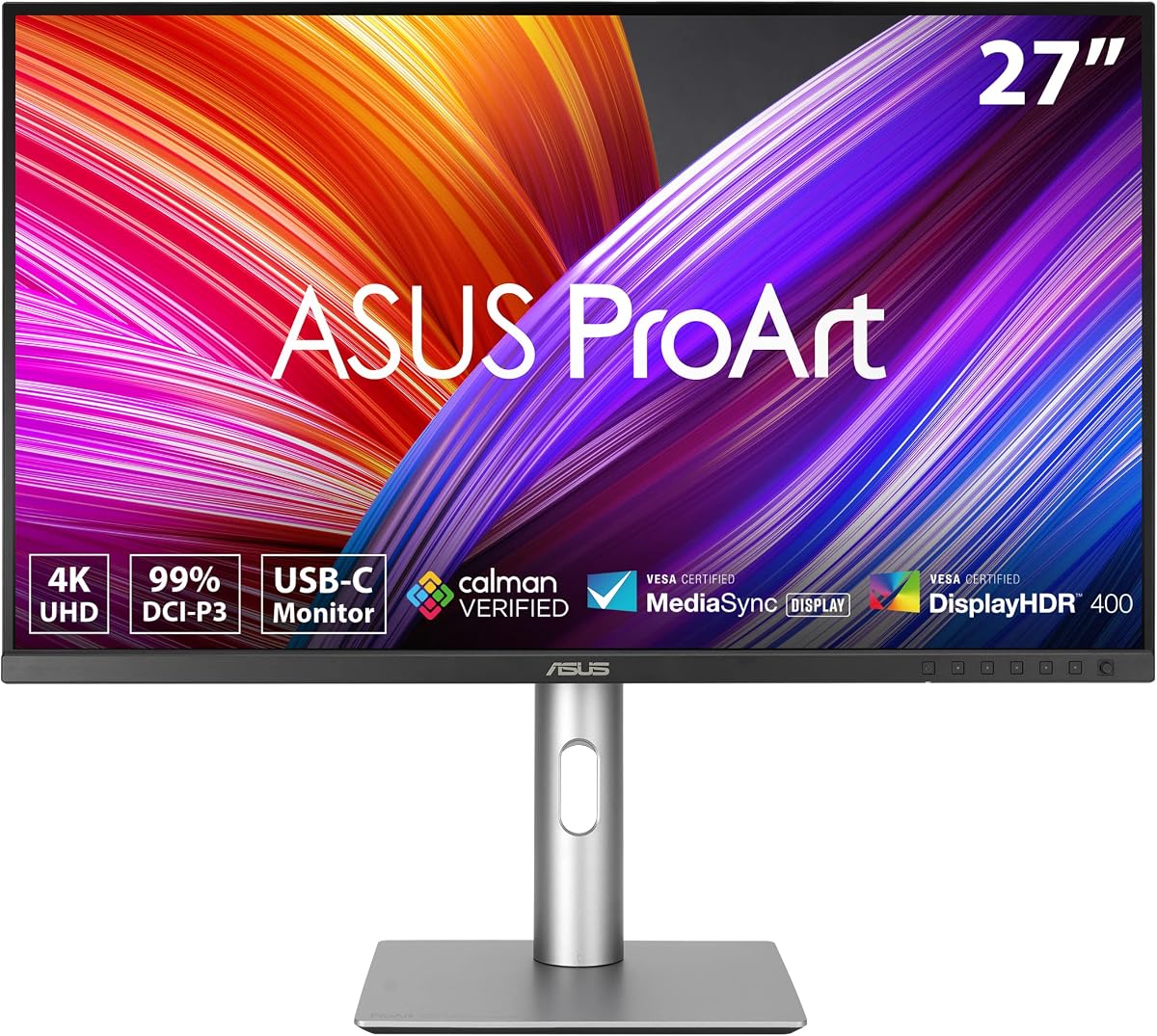
The ASUS ProArt PA279CRV stands out as a top choice for professionals seeking reliable color accuracy and versatile connectivity. With a 27-inch 4K display and factory calibration, it delivers precise visuals straight out of the box. Its high rating reflects user satisfaction with its performance and durability.
We may earn a commission when you buy through this link, at no additional cost to you.
This monitor excels in color reproduction with 99% DCI-P3 and Adobe RGB coverage. The USB-C port supports up to 96W power delivery, simplifying your desktop setup by charging laptops while displaying content. The ergonomic stand offers full adjustability, ensuring comfort during long work sessions.
While it lacks Thunderbolt connectivity and high refresh rates, these trade-offs are acceptable for static content creation. The focus on color fidelity and professional features makes it a practical investment for graphic designers and photographers who prioritize accuracy over gaming performance.
If you need a dependable workstation display with excellent color calibration and robust connectivity, the PA279CRV is highly recommended. It balances performance and value effectively, making it a strong candidate for professional creative workflows.
Factory calibrated to Delta E less than two ensures your colors match industry standards consistently across all projects.
One cable connects your laptop for power data and display reducing clutter and improving efficiency on your desk.
We may earn a commission when you buy through this link, at no additional cost to you.
The ASUS ProArt PA248QV offers exceptional value for budget-conscious creators who cannot compromise on color accuracy. With a high rating and 100% sRGB coverage, it provides vivid and true-to-life images for various creative tasks. It is an ideal entry-level monitor for professional use.
We may earn a commission when you buy through this link, at no additional cost to you.
Its WUXGA resolution delivers sharp details while maintaining a comfortable 16:10 aspect ratio. The IPS panel ensures wide viewing angles, making collaboration easier without color shifts. The ergonomic stand allows pivot and tilt adjustments to reduce strain during extended work hours.
While it does not offer 4K resolution or advanced connectivity like USB-C power delivery, it covers essential needs efficiently. The anti-glare screen helps maintain clarity in bright environments. This makes it a practical choice for students or freelancers starting their design careers.
For those seeking a reliable and affordable professional monitor with proven color performance, the PA248QV is a top contender. It proves that you do not need to spend heavily to get accurate colors and comfortable viewing for everyday creative work.
Achieve precise hues with 100 percent sRGB coverage that matches industry standards for web and print design projects.
Reduce eye strain with anti-glare technology and a fully adjustable stand that supports healthy posture all day long.
We may earn a commission when you buy through this link, at no additional cost to you.
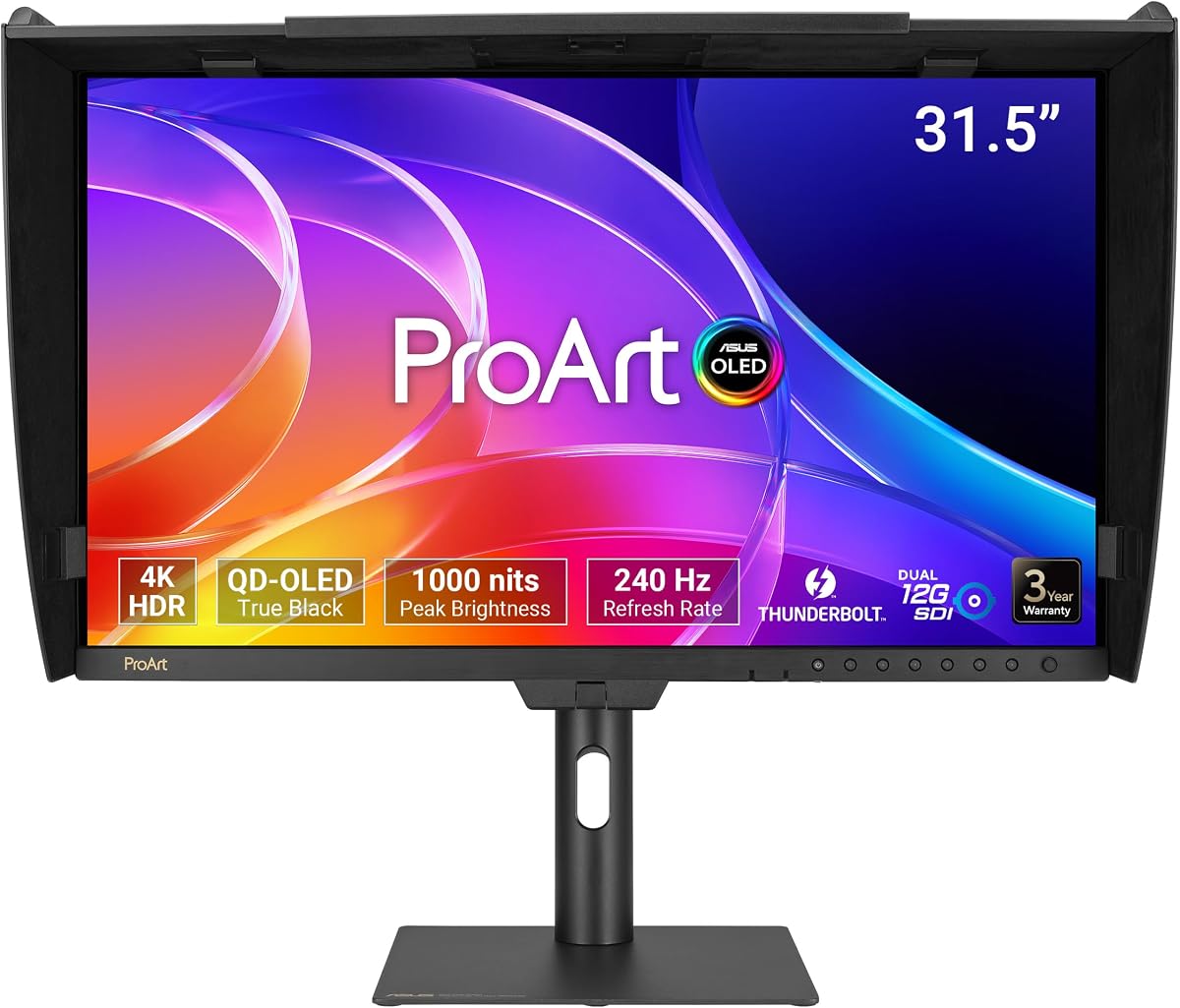
The ASUS ProArt PA32USD redefines professional monitoring with its cutting-edge OLED technology and exceptional brightness levels. Designed for high-end video production and color grading, it offers infinite contrast and true blacks that LCD screens cannot match. Its advanced features justify its premium status.
We may earn a commission when you buy through this link, at no additional cost to you.
With a 240Hz refresh rate and fast response time, it delivers smooth visuals for motion-rich content. The QD-OLED panel supports 100% sRGB and 99% DCI-P3, ensuring accurate colors across all workflows. Multiple connectivity options including Thunderbolt 4 and SDI make it versatile for studio environments.
The price reflects its top-tier capabilities, which may be unnecessary for basic editing tasks. However, for professionals demanding the highest fidelity and dynamic range, it is unmatched. The included monitor hood and professional accessories enhance its utility in controlled lighting setups.
If you require the ultimate in display performance and have the budget for it, the PA32USD is the definitive choice. It combines visual excellence with professional connectivity, setting a new standard for high-end creative workstations.
Experience true blacks with OLED technology that offers infinite contrast for realistic images and accurate HDR grading.
Connect seamlessly with SDI and Thunderbolt ports designed for broadcast quality workflows and high-speed data transfer.
We may earn a commission when you buy through this link, at no additional cost to you.
The ASUS ProArt PA278CV delivers reliable performance for general creative work with a focus on connectivity and color accuracy. Its 27-inch QHD resolution provides ample workspace for detailed tasks. The high rating indicates user satisfaction with its stability and build quality.
We may earn a commission when you buy through this link, at no additional cost to you.
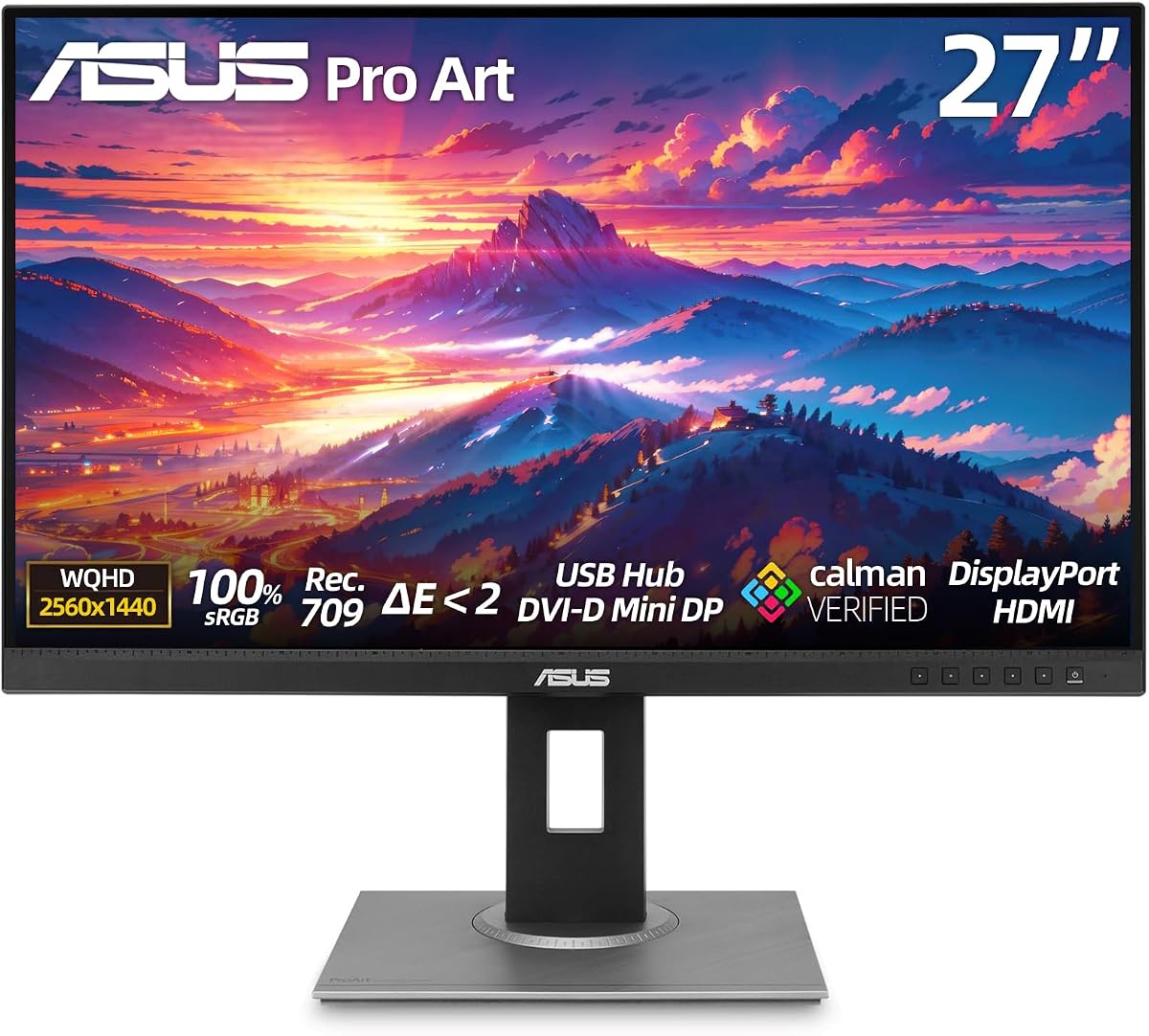
A key feature is the USB-C port with 65W power delivery, allowing you to connect a laptop with a single cable. The IPS panel covers 100% Rec.709, making it suitable for video editing. The stand supports pivot, swivel, and tilt for comfortable viewing.
While it lacks the high-end specs of larger models, it remains a solid option for multi-monitor setups. The display daisy-chain support helps build efficient workstations. This makes it a practical choice for those who need flexibility without paying a premium.
For professionals needing a dependable monitor with strong connectivity and accurate colors, the PA278CV is a smart choice. It balances essential features with ease of use, ensuring productivity for daily creative tasks.
Connect your laptop via USB-C to receive power and data while viewing content on a single convenient link.
Daisy-chain multiple displays to maximize screen real estate without cluttering your desk with extra cables.
We may earn a commission when you buy through this link, at no additional cost to you.
The ASUS ProArt PA279CV is a highly rated monitor known for its precise color and eye-care features. With a perfect rating from users, it offers a reliable experience for photo and video editing. Its WQHD resolution provides sharp details suitable for intricate design work.
We may earn a commission when you buy through this link, at no additional cost to you.
It ensures accurate hues with Calman Verification and Delta E less than two. The IPS panel supports wide viewing angles for collaborative review sessions. Features like flicker-free and low blue light technologies make extended use more comfortable for your eyes.
Although it lacks USB-C power delivery, the extensive port selection supports various device connections. The ergonomic stand allows height and pivot adjustments to suit your desk setup. This makes it a strong option for users prioritizing visual fidelity and comfort.
If you want a trusted monitor with excellent color performance and eye protection, the PA279CV is an excellent pick. It delivers consistent results for creative professionals who need precision in their daily workflow.
Rely on factory calibration and Calman verification for colors that remain consistent across different viewing sessions.
Protect your eyes during long work sessions with advanced technologies that reduce glare and harmful blue light.
We may earn a commission when you buy through this link, at no additional cost to you.
The ASUS PA329CRV-P offers a spacious 32-inch display for professionals needing extra screen real estate. It meets government procurement standards with TAA compliance, making it suitable for public sector projects. Its 4K resolution ensures crisp text and detailed images.
We may earn a commission when you buy through this link, at no additional cost to you.
This monitor features 98% DCI-P3 coverage and factory calibration for accurate colors. The USB-C port supports 96W power delivery, simplifying Mac setups. The ergonomic stand provides full height and pivot adjustments for personalized comfort.
While it may be heavier than smaller models, the size provides significant productivity benefits. The included USB hub helps manage peripherals efficiently. It is a strong choice for those needing a large, compliant display for professional environments.
For government or corporate buyers requiring a large compliant monitor with solid performance, the PA329CRV-P is ideal. It delivers the space and precision needed for complex tasks in regulated settings.
Comply with Trade Agreements Act standards easily when purchasing displays for public sector or institutional projects.
Enjoy a larger screen area that allows for side-by-side document viewing and multitasking without distraction.
We may earn a commission when you buy through this link, at no additional cost to you.
The ASUS ProArt PA32USD delivers superior HDR performance ideal for high-end post-production. Its OLED panel supports True Black 400 and peak brightness, ensuring vibrant visuals. This model is perfect for those who demand the best in dynamic range.
We may earn a commission when you buy through this link, at no additional cost to you.
With 10-bit color depth and extensive HDR format support, it handles complex grading well. Thunderbolt 4 connectivity ensures fast data transfer for large media files. The design includes a metal handle for portability between studio locations.
The price point reflects its premium nature, which is justified by its specialized capabilities. It offers features not found on standard LCDs like superior contrast. This makes it a specialized tool for serious video professionals.
If you need a top-tier HDR display for professional grading, the PA32USD is unmatched. Its technical excellence provides a competitive edge in demanding production environments.
Experience stunning HDR visuals with peak brightness and deep blacks that reveal every detail in your footage.
Trust industry-leading accuracy and color depth for precise adjustments in post-production workflows.
We may earn a commission when you buy through this link, at no additional cost to you.
The ASUS ProArt PA32UCR-K is designed for accuracy-focused professionals needing hardware calibration support. With a mini-LED backlight, it delivers high brightness and wide color coverage. The inclusion of an X-rite calibrator adds significant value out of the box.
We may earn a commission when you buy through this link, at no additional cost to you.
Its Delta E less than one performance ensures critical color work is accurate. HDR support enhances dynamic range for video projects. The USB-C port ensures seamless integration with Mac systems.
While ratings vary, its professional specs remain impressive for demanding workflows. The hardware calibration capability allows long-term accuracy maintenance. This makes it a strong choice for those who verify color strictly.
If precise color and included tools are vital, the PA32UCR-K is a solid investment. It provides the control and accuracy needed for rigorous professional standards.
Save time and money with a professional calibrator included in the box for immediate accuracy setup.
View content in bright environments with peak brightness that maintains color integrity under challenging lighting.
We may earn a commission when you buy through this link, at no additional cost to you.
The ASUS ProArt PA278CGV balances professional color with a high refresh rate. It supports smooth motion for animation and interactive design work. Its 95% DCI-P3 coverage provides accurate colors for general creative tasks.
We may earn a commission when you buy through this link, at no additional cost to you.
With 90W USB-C power delivery, it keeps laptops charged while in use. The IPS panel ensures stable colors from various viewing angles. HDR 400 support adds dynamic contrast to compatible content.
While not optimized purely for gaming, the high refresh rate benefits motion-heavy creative workflows. It bridges the gap between standard workstations and multimedia setups. This makes it versatile for mixed-use environments.
If you need a display that supports smooth motion and accurate colors, the PA278CGV is a great choice. It offers a unique blend of features for modern creative professionals.
Reduce motion blur with a high refresh rate that keeps animations and video playback fluid.
Charge your laptop with 90 watts via USB-C while enjoying full display performance.
We may earn a commission when you buy through this link, at no additional cost to you.
The ASUS ProArt PA32UCG-K is built for elite HDR mastering with extreme brightness. Its Mini-LED technology provides over 1600 nits peak brightness for impactful visuals. This monitor is designed for professionals needing top-tier HDR performance.
We may earn a commission when you buy through this link, at no additional cost to you.
Local dimming zones ensure deep blacks and bright highlights without blooming. With 120Hz refresh rate and Thunderbolt 3, it handles fast content and large files efficiently. The included calibrator supports precise color management.
While the price and setup may be complex, it offers unmatched brightness. It is ideal for mastering rooms or high-contrast work. This makes it a specialized choice for high-end production.
If you need extreme brightness and local dimming for HDR, the PA32UCG-K delivers. It meets the demands of professional-grade visual standards.
View HDR content with exceptional brightness that reveals details even in bright environments.
Maintain consistent color accuracy over time with hardware calibration tools built into the system.
We may earn a commission when you buy through this link, at no additional cost to you.
Selecting the right professional monitor requires careful attention to several technical factors. This guide covers the most important aspects to consider before making your final decision.
Choose between IPS for consistent viewing angles or OLED for superior contrast. Ensure resolution is at least 4K for detailed editing work.
Prioritize IPS panels for standard workflows or OLED for high-end grading.
Look for at least 100% sRGB and 90% DCI-P3 coverage to ensure accurate color representation. Adobe RGB is vital for print designers.
Verify color space specs match your specific creative industry requirements.
Factory calibration with Delta E less than two is standard for professional accuracy. Calibration tools like Calman verify this precision.
Ensure your monitor supports hardware calibration if working in strict color environments.
USB-C with high wattage power delivery simplifies laptop setups. HDMI and DisplayPort ensure compatibility with desktops.
Check for Thunderbolt support if you need maximum data transfer speeds.
Adjustable stands with tilt, swivel, pivot, and height help maintain healthy posture during long sessions. VESA mounts offer further flexibility.
Prioritize stands that allow vertical orientation for coding or reading text.
Standard 60Hz is sufficient for static work, but higher rates like 120Hz help with video or motion design. Look for FreeSync to reduce tearing.
Select refresh rates based on whether you create motion content or static images.
True HDR requires high peak brightness and contrast capabilities. Standard HDR400 is often insufficient for professional grading.
Look for HDR True Black or Mini-LED for serious HDR workflow support.
ASUS offers 5-year warranties on many ProArt models, including extended terms. Reliable support is essential for professional tools.
Always register your device to activate full warranty benefits.
Calibrate your monitor using built-in tools or hardware profilers to maintain accuracy over time. Regular calibration ensures your prints and digital assets look consistent.
Use the monitor hood if provided to reduce glare and protect your work from ambient light changes. This is especially critical for color grading tasks.
Clean the screen gently with a soft microfiber cloth to avoid scratches or damage to the anti-glare coating. Never use harsh chemicals or abrasive materials on the panel.
ProArt monitors are designed for creative professionals requiring precise color accuracy and reliable performance. They offer factory calibration and wide gamut coverage, ensuring your work appears consistent across devices.
The PA32QCV and PA279CRV are highly compatible with Mac systems due to their USB-C connectivity and color presets. They support MacBook color matching for seamless integration with the Apple ecosystem.
Many models support USB-C power delivery ranging from 65W to 96W. This allows you to charge your laptop while using the monitor as a display, reducing cable clutter on your desk.
Delta E measures the difference between the intended color and what you see. A lower value means higher accuracy. Professional monitors aim for Delta E less than two to ensure precise color matching.
sRGB is the standard color space for web and general use. DCI-P3 is a wider gamut used in digital cinema and high-end creative work. Most professional monitors cover both to ensure versatility.
While focused on color and resolution, some models offer higher refresh rates and FreeSync. They handle casual gaming well, but competitive gamers may prefer dedicated gaming displays with faster response times.
Most ProArt monitors include a 5-year warranty with online registration. This typically covers panel defects and backlight issues, providing long-term peace of mind for professional users.
Yes, most models support pivot rotation to turn the screen 90 degrees. This vertical orientation is ideal for coding, document editing, and viewing tall design layouts.
We reviewed ten exceptional models ranging from budget-friendly 24-inch displays to high-end 32-inch OLED panels. Each offers unique strengths tailored to different creative workflows and professional needs.
Prioritize color accuracy and connectivity if you work with video or photo editing. For general design tasks, smaller models with solid color coverage provide excellent value without extra cost.
Remember that technology evolves rapidly, so check current pricing and availability before buying. Select the monitor that best fits your specific production goals and workspace requirements.