
Thermalright TL-C14C-S X3 CPU Fan
4.7Editor score
S-FDB Bearing Technology
75.8CFM Airflow
PWM Speed Control
This guide compares the top 10 ARGB 140mm fans for cooling performance, noise levels, and lighting effects to help you build the ultimate PC setup.
Finding the right cooling solution is crucial for maintaining optimal system temperatures and ensuring long-term hardware stability. Modern builds demand fans that balance high airflow with silent operation and customizable lighting aesthetics.
We evaluated ten top-rated 140mm ARGB fans based on airflow capacity, static pressure, bearing technology, and lighting synchronization capabilities. Our analysis focuses on real-world performance metrics and user satisfaction ratings.
Each product review highlights specific strengths and potential trade-offs to help you make an informed decision for your unique build requirements. Please note that pricing and availability may fluctuate based on market conditions and retailer promotions.
4.7Editor score

4.8Editor score

4.6Editor score
This side-by-side comparison highlights the key specifications and features of each fan to help you identify the best fit for your case and cooling needs.
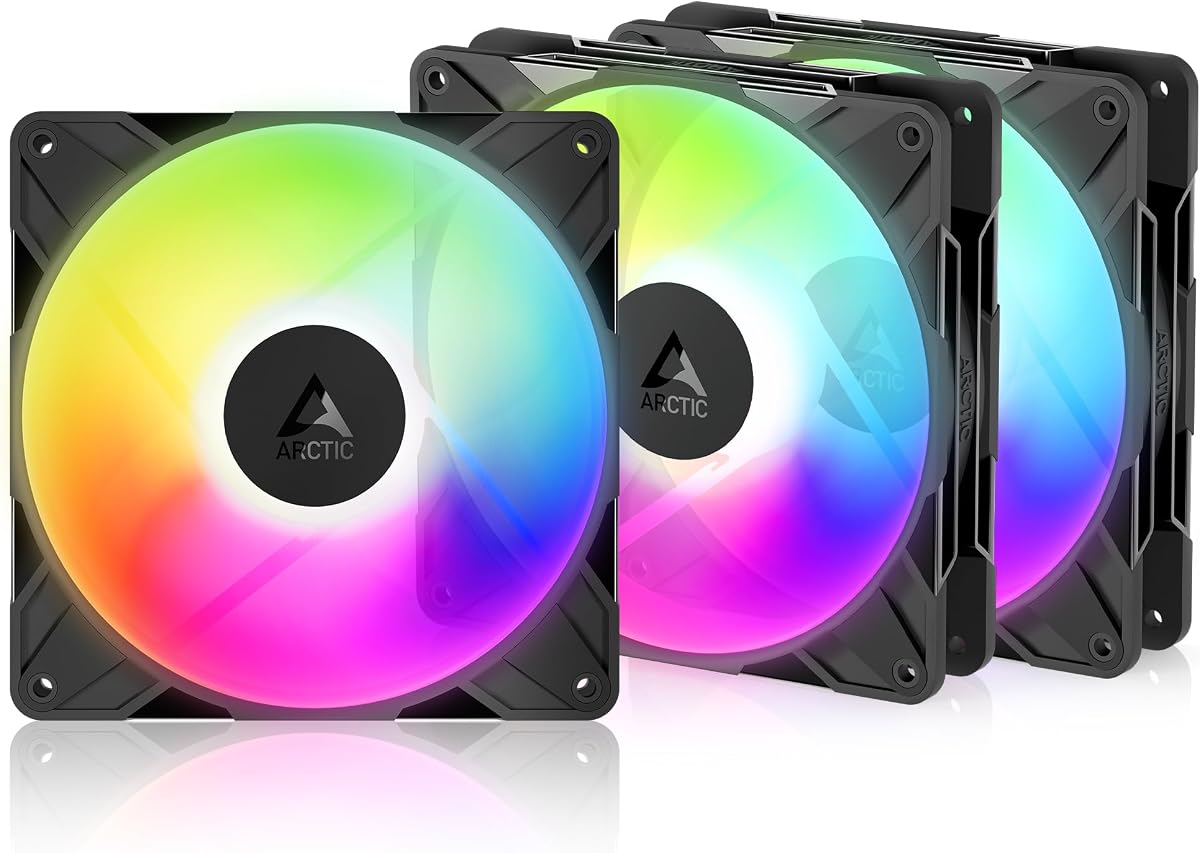


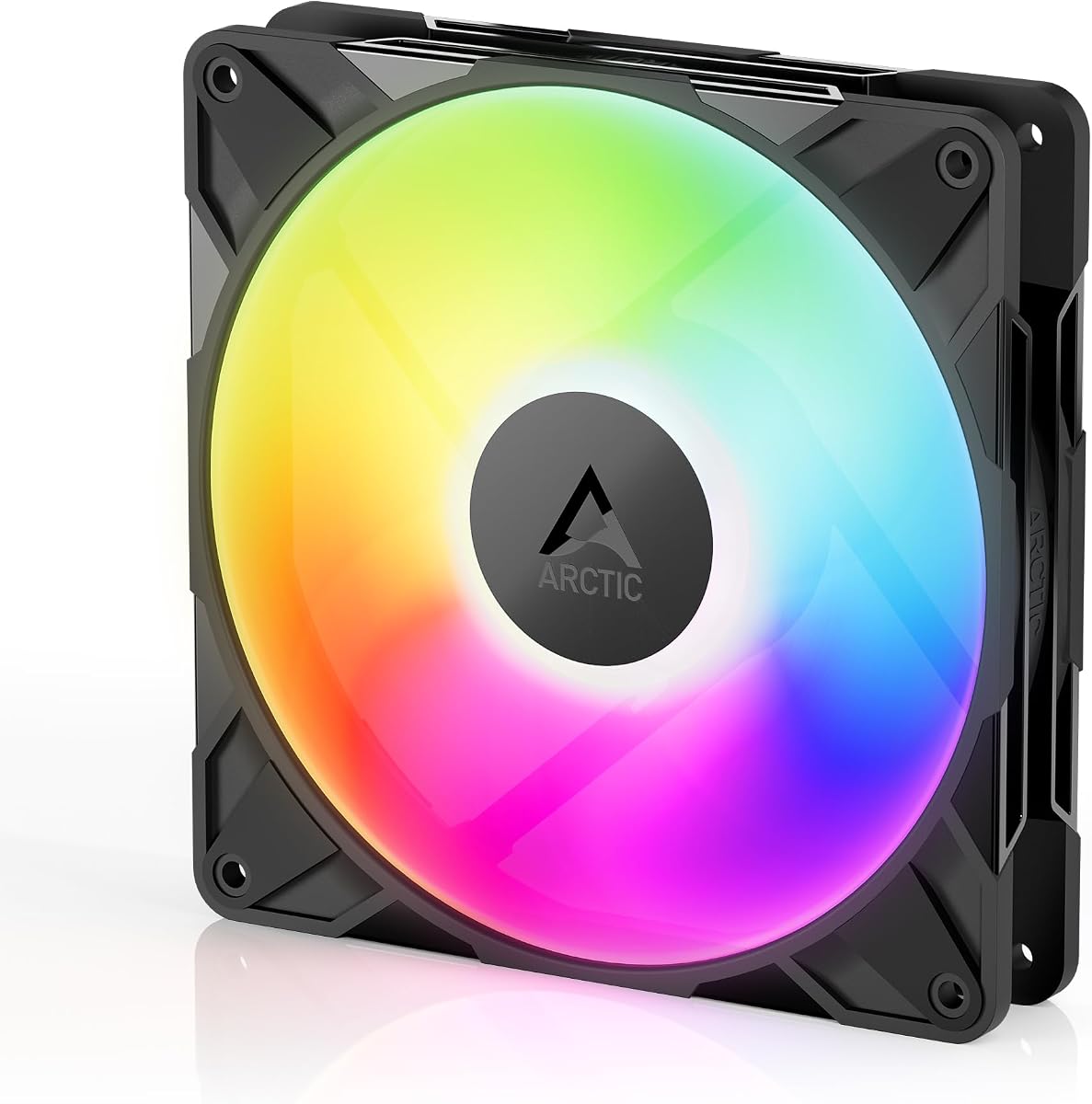


The Cooler Master MasterFan MF140 Halo stands out as a top-tier cooling solution with its impressive dual-ring ARGB lighting design. Rated highly by users for both performance and aesthetics, it delivers balanced airflow and static pressure suitable for various mounting positions.
We may earn a commission when you buy through this link, at no additional cost to you.
Its hybrid static pressure blade design effectively tackles resistance from radiators or mesh panels while maintaining low noise levels. The noise reduction technology and sound-absorbing materials contribute to a peaceful computing environment even under load.
While the price is slightly higher than budget options, the build quality and lighting customization justify the investment for enthusiasts. Users appreciate the compatibility with major RGB control platforms ensuring seamless integration into existing setups.
This fan is ideal for builders seeking premium aesthetics without compromising thermal performance. It represents a strong choice for those who value visual impact alongside reliable cooling in their PC case.
The 24 individually controlled LEDs create a vibrant halo effect that enhances the visual depth of any case interior.
PWM control allows dynamic speed adjustments between 650 and 1500 RPM to match thermal demands without unnecessary noise.
We may earn a commission when you buy through this link, at no additional cost to you.
The Thermalright TL-C14C-S X3 offers exceptional value as a three-pack of 140mm fans combining solid cooling with subtle lighting. With a high rating for reliability and performance, it meets the needs of builders seeking efficient airflow without breaking the budget.
We may earn a commission when you buy through this link, at no additional cost to you.
Featuring S-FDB bearings and a 75.8CFM airflow capacity, these fans maintain stable temperatures while keeping noise levels below 26.4dBA. The ARGB blades reflect light softly to blend seamlessly with other system components.
Though the lighting is not as bright as premium models, the 17 customizable modes provide sufficient variety for most users. The 4pin PWM interface ensures precise speed adjustment based on motherboard temperature readings.
This package is perfect for system builders needing multiple case fans at an affordable price point. It balances cost and quality effectively making it a top choice for budget-conscious PC enthusiasts.
Purchasing three fans together reduces overall system cooling costs while ensuring consistent airflow across intake and exhaust zones.
The S-FDB bearing reduces friction and noise over time ensuring long-lasting performance without frequent replacements.
We may earn a commission when you buy through this link, at no additional cost to you.
The CORSAIR RS140 ARGB fans deliver premium performance with their AirGuide technology and high static pressure capabilities. Designed for demanding setups, these dual-pack fans offer impressive cooling power while maintaining a clean aesthetic through daisy-chain connectivity.
We may earn a commission when you buy through this link, at no additional cost to you.
Equipped with Magnetic Dome bearings, they run smoothly with minimal noise even at maximum speeds up to 1700 RPM. The Anti-vortex vanes direct airflow precisely to components needing extra cooling such as radiators and heatsinks.
Eight bright LEDs per fan provide excellent brightness and customization through motherboard software. While the price is higher than entry-level models, the performance and build quality justify the investment for high-end builds.
Ideal for gamers and creators prioritizing thermal efficiency and cable management, these fans excel in tight airflow scenarios. Their robust design ensures consistent cooling performance under heavy workloads.
Daisy-chain functionality allows multiple fans to connect through a single PWM and ARGB connector reducing cable clutter.
AirGuide technology prevents air swirl and directs cooling air where it is needed most for maximum efficiency.
We may earn a commission when you buy through this link, at no additional cost to you.
The ARCTIC P14 Pro Reverse offers a unique airflow design that pulls air from the back to maintain a clean aesthetic on glass cases. This specialized orientation avoids visible fan frames while delivering powerful cooling performance for modern builds.
We may earn a commission when you buy through this link, at no additional cost to you.
With hydrodynamic bearings and precision manufacturing, these fans operate quietly and efficiently across a wide speed range. The high static pressure ensures effective cooling even when airflow is restricted by radiators or dense panels.
Users can stop the fan completely below 5% PWM for a silent idle state which is beneficial for low-load scenarios. The three-pack configuration provides enough units for a full case setup with consistent airflow patterns.
This fan is best suited for builders prioritizing visual cleanliness without sacrificing cooling capability. Its reverse design solves a common aesthetic challenge found in glass-front chassis configurations.
Reverse blades allow the fan frame to stay out of sight while still maintaining optimal ventilation performance.
Hydrodynamic bearings minimize friction and noise extending the lifespan of the fan for reliable long-term use.
We may earn a commission when you buy through this link, at no additional cost to you.
Thermaltake CT140 EX fans introduce MagForce 2.0 technology for easier fan linking using magnetic connectors instead of traditional plugs. This innovative approach streamlines cable management while maintaining reliable synchronization across multiple units.
We may earn a commission when you buy through this link, at no additional cost to you.
Each fan houses nine addressable LEDs capable of displaying 16.8 million colors for vibrant customization. The hydraulic bearing ensures smooth and silent operation ideal for users prioritizing noise reduction in their environment.
The anti-vibration mounting system further reduces mechanical noise improving overall comfort during extended use sessions. A three-pack bundle ensures consistent lighting and performance across all case zones.
Best for builders seeking quick installation without sacrificing lighting quality, these fans offer a practical balance. The magnetic connection feature stands out as a unique benefit for modern PC assembly workflows.
MagForce 2.0 allows fans to connect via magnets reducing setup time and minimizing cable clutter significantly.
Embedded anti-vibration mounts absorb mechanical vibrations keeping noise levels low even at higher speeds.
We may earn a commission when you buy through this link, at no additional cost to you.
The AsiaHorse Amici features an infinity mirror effect that creates depth and visual interest within the case. With 24 LED beads and a hydraulic bearing design, it balances impressive aesthetics with reliable long-term performance.
We may earn a commission when you buy through this link, at no additional cost to you.
Operating speeds up to 2000 RPM generate significant airflow to keep components cool during demanding tasks. Compatibility with major sync protocols like Aura Sync allows easy integration into existing RGB ecosystems.
The bearings are designed for a lifespan of 50000 hours ensuring durability over years of continuous use. Rubber pads and precision adjustments help dampen noise to maintain a peaceful system environment.
This fan is recommended for builders wanting unique visual effects without compromising cooling power. Its blend of design and function makes it a versatile option for gaming and workstation builds.
The infinity mirror effect provides a stunning three-dimensional lighting appearance that stands out in modern builds.
Closed-loop hydraulic bearings ensure low wear and consistent performance reducing replacement needs over time.
We may earn a commission when you buy through this link, at no additional cost to you.
The ARCTIC P14 Pro A-RGB is designed for users requiring extreme cooling capacity with adjustable speeds up to 3000 RPM. Its fluid dynamic bearing ensures smooth operation while the redesigned rotor blades balance performance with minimal noise.
We may earn a commission when you buy through this link, at no additional cost to you.
Even at lower speeds, the precision manufacturing and automatic balancing reduce vibrations for quiet operation. High static pressure allows this fan to push air through dense radiators or restrictive case panels effectively.
Users looking for maximum thermal headroom will appreciate the wide PWM control range that stops completely below 5%. This flexibility allows silent idle states without sacrificing cooling when needed under load.
Best for high-performance rigs demanding aggressive cooling, this single fan delivers powerful results. It is an excellent choice for cases or radiators where thermal efficiency is the top priority.
Speeds up to 3000 RPM ensure maximum airflow potential for systems pushing thermal limits under heavy loads.
Precise manufacturing and automatic balancing ensure minimal vibration and quiet operation across all speeds.
We may earn a commission when you buy through this link, at no additional cost to you.
This black version of the Thermalright fan prioritizes silent operation with noise-reducing blade design and soft silicone feet. It is ideal for users who prefer a clean look without lighting distractions while maintaining efficient cooling.
We may earn a commission when you buy through this link, at no additional cost to you.
The PBT+PC material ensures durability and insulation which contributes to stable performance over time. With automatic speed control through PWM, it adjusts based on temperature needs to minimize unnecessary noise.
Noise levels remain low even at maximum speeds making it suitable for quiet workstations or home theater PCs. The three-pack provides a complete set for case ventilation needs with consistent performance.
Recommended for silent builds, this fan focuses purely on thermal and acoustic efficiency. It is an excellent choice for those who value quiet operation over visual effects.
Special blade geometry and silicone feet reduce mechanical and wind noise for a quieter system experience.
PBT+PC material provides strong insulation and durability ensuring reliable operation in various temperatures.
We may earn a commission when you buy through this link, at no additional cost to you.
The single ARCTIC P14 Pro Reverse combines the benefits of reverse airflow with excellent build quality earning high user ratings. It is perfect for upgrading specific zones in a case where aesthetics and airflow direction matter.
We may earn a commission when you buy through this link, at no additional cost to you.
Its fluid dynamic bearing minimizes noise during operation ensuring a quiet environment even at higher speeds. Precision manufacturing reduces vibrations providing smooth long-term performance for sensitive PC builds.
Users appreciate the reverse design that hides the fan motor from view on glass cases. This feature allows cleaner visuals while maintaining powerful cooling capabilities through restricted panels.
Ideal for targeted case ventilation, this fan delivers reliability and performance in a single unit. It is a strong choice for custom builds requiring specific airflow solutions.
Reverse airflow hides mechanical components from view maintaining a clean and consistent aesthetic in modern cases.
Automatic balancing and minimal gaps reduce vibrations ensuring long-lasting and efficient operation over time.
We may earn a commission when you buy through this link, at no additional cost to you.
This single Thermalright fan offers budget-friendly ARGB lighting with proven S-FDB bearing reliability. It is ideal for buyers needing one replacement or additional fan without compromising on basic performance metrics.
We may earn a commission when you buy through this link, at no additional cost to you.
The 7-blade design ensures efficient airflow while keeping noise levels low. The high-brightness LED atomizing blades reflect light softly to match various case styles seamlessly.
PWM control ensures automatic speed adjustment based on motherboard temperature readings for optimal thermal management. This feature allows silent operation during idle while ramping up when needed under load.
Best for cost-conscious buyers, this fan delivers solid cooling and lighting in a single package. It remains a reliable choice for maintaining consistent case airflow on a budget.
Soft light reflection ensures the fan blends well with other RGB components without harsh glare.
PWM connectivity allows the motherboard to adjust speeds automatically for balanced noise and cooling.
We may earn a commission when you buy through this link, at no additional cost to you.
Choosing the right 140mm ARGB fan involves balancing performance, noise, aesthetics, and budget for your specific build.
Airflow measured in CFM indicates how much air a fan moves while static pressure shows its ability to push air through restrictions like radiators. High airflow fans are ideal for open cases while high static pressure fans work better with dense components.
Select a fan with high static pressure if mounting on radiators and high airflow for general case ventilation.
Bearing technology affects noise levels and lifespan. Fluid dynamic bearings (FDB) and sleeve bearings offer quiet operation but vary in durability. Magnetic dome and hydrodynamic bearings provide advanced friction reduction for smoother performance.
Look for FDB or magnetic bearings for quieter and longer-lasting operation especially in enclosed spaces.
Addressable RGB (ARGB) allows individual LED control for complex effects while standard RGB cycles colors as a group. Sync compatibility with your motherboard ensures seamless lighting integration across all system components.
Choose ARGB if you want custom patterns and effects and verify your motherboard has a compatible header.
PWM (Pulse Width Modulation) allows fans to adjust speeds automatically based on system temperature. This feature ensures quiet operation at idle and higher speeds when cooling is needed. Ensure the fan uses a 4-pin PWM connector for this functionality.
Always select 4-pin PWM fans for automatic speed control to maintain silent and efficient operation.
Some fans offer daisy-chain connectors or magnetic links to reduce cable clutter inside the case. Fewer cables improve airflow and simplify installation especially in compact builds where space is limited.
Prioritize fans with daisy-chain capability if you plan to install multiple units to keep cables organized.
Maximum RPM determines how fast a fan can spin but higher speeds often mean more noise. Check the decibel rating dB(A) to ensure it fits your noise tolerance especially for quiet or office environments.
Look for fans rated below 26dB for quiet operation or models with variable speed control to manage noise levels.
The frame and blade design affect how the fan looks in a case. Some users prefer visible lighting rings while others prefer hidden frames for a clean look. Consider the case style and other components for a cohesive appearance.
Select a frame style and lighting color that complements your overall build theme and case design.
Fans are sold individually or in multi-packs which can reduce the cost per unit. Buying a 3-pack may be more economical for full case setups but ensure all units match performance specs.
Consider multi-packs if you need multiple fans for better value but verify they match your specific requirements.
Install fans with the arrows on the frame pointing in the desired airflow direction intake or exhaust to maximize cooling efficiency. Match intake fans to front or bottom locations and exhaust fans to rear or top for optimal airflow paths.
Use the PWM and RGB headers on your motherboard to control fan speed and lighting. Install software from your motherboard manufacturer to synchronize colors and adjust fan curves based on temperature readings.
Regularly dust the fan blades and motor housing to prevent buildup that can cause noise or imbalance. Use compressed air gently to clean blades without spinning them manually to avoid damaging the bearings.
RGB fans control all LEDs on the fan as one unit while ARGB fans allow individual LED control. ARGB enables more complex lighting effects and precise synchronization with other system components.
Generally yes because larger fans can move the same amount of air at lower RPM reducing noise. This makes 140mm fans ideal for users prioritizing low acoustic levels in their builds.
Many fans support daisy-chain cables that link multiple units into one connector. Alternatively use a fan splitter hub for PWM control while ensuring you do not exceed the header current rating.
ARGB fans need a 3-pin 5V addressable RGB header on the motherboard. Using the wrong header or voltage can damage the fans so always check compatibility before connecting.
PWM stands for Pulse Width Modulation which allows variable speed control via the motherboard. This helps adjust fan speed based on temperature to balance cooling and noise dynamically.
Yes but look for fans with high static pressure to push air through radiator fins effectively. Radiator fans must overcome resistance to maintain efficient liquid cooling system performance.
We reviewed ten standout ARGB 140mm fans ranging from budget-friendly options to premium models with advanced features. The Cooler Master MF140 Halo, Thermalright TL-C14C-S X3, and CORSAIR RS140 offer the best balance for most users.
Prioritize airflow capacity and bearing quality if cooling is your main goal or focus on lighting effects for aesthetic builds. Consider the specific case layout and motherboard compatibility to ensure seamless integration.
Always verify current availability and shipping details before purchasing to get the best deal for your needs. Your choice of fans will impact both system performance and visual appeal for years to come.